Google Translate

Translation of Text, Document, Website, Image

0.0
Rating out of 5 Based on 0 reviews

What is Google Translate?

Google Translate is a free online and mobile-friendly translation service that can help you in translating text, documents, websites, and even speech in over 100+ languages in real time. With Google Translate, the process of global communication is made so simple and easy this is because you can understand a phrase in a foreign language or translate whole documents.

Pricing of Google Translate

no-pricing
For get detailed pricing as per your requirements.

Key Features of Google Translate

Key Features:
  • Real Time Translation
  • Image Translation
  • Conversation Mode
  • Contextual Translation
  • Collaboration Tools
  • Text To Speech
  • Language Correction
  • Auto Detection
  • Speech To Text
  • Language Detection
  • Voice Translation
  • Speech Translation

Key Specification

Other Categories: Translation Management System
Deployment: Cloud Hosted
Customer Support: Phone,Email
Customization: Yes
Languages Support: English

Who uses Google Translate

Personal
Personal
StartUps
StartUps
SMEs
SMEs
Agencies
Agencies
Enterprises
Enterprises

Company Details

Company Name: Google Inc.
Headquarter: California United States
Social Media:

Google Translate Description

Benefits of Google Translate 

  • Supports 100+ languages for global accessibility: Supporting over 100+ languages, Google Translate provides translation in so many languages that connections and communications with anyone around the globe can be eased.

  • Offers text, speech, and image translation: Whether you have to type, speak, or just take a picture of the text to be scanned through your camera, Google Translate offers precise translation in varied forms as per your requirement.

  • Enables real-time conversation translation for live interactions: With Google Translate’s conversation mode, two people can speak different languages as the app translates them in real time for smooth and understandable live interactions.

  • Available on web and mobile for on-the-go use: You can access Google Translate online through your browser or using the mobile app, which means you’re never without translations whenever you may need them, even while traveling.

  • Helps break language barriers for travel, business, and learning: Google Translate helps travelers, business people, and students break language barriers to unknown signs, documents, and communication in new places.

How to Use Google Translate? 

  1. Open Google Translate or open the app.

  2. Select the languages you want to translate from and to

  3. Type, speak, upload a document, or use your camera to scan text.

  4. Instantly view the translation and copy or listen to it as needed.

Features of Google Translate

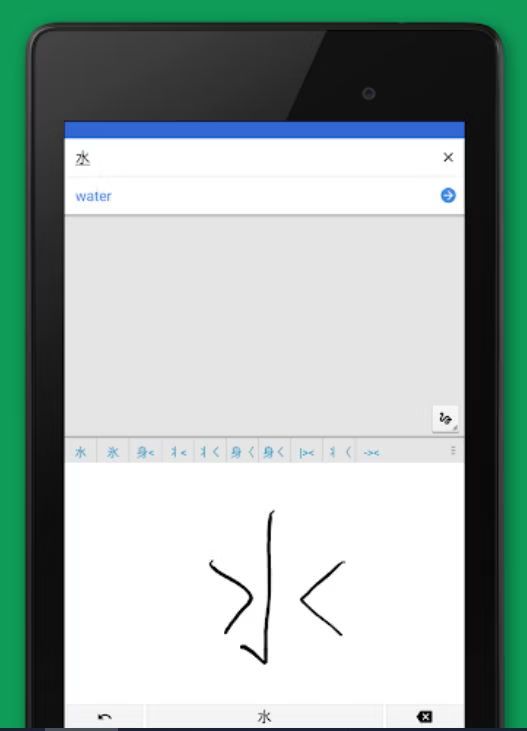
  • Text Translation – Translate words, phrases, sentences and documents in 100+ languages with ease. It assists you to interpret emails, articles and notes of other languages without any trouble.

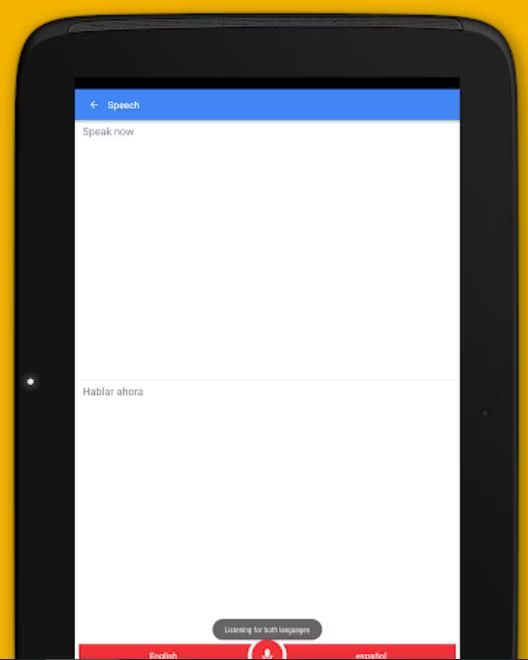
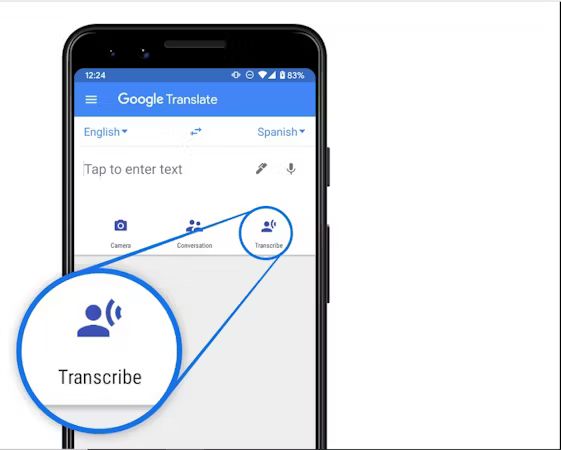
  • Speech Translation – Speak and the app will translate in real time.Perfect when you need to communicate live, travel, or communicate quickly in a foreign language.

  • Image Translation –Scan and translate text in images, signs or menus using your camera. All you need to do is to point your camera and it will recognize and translate the text in your screen.

  • Conversation Mode –This allows two-way live translation and thus conversations between different languages are seamless. Every individual is able to use his or her language and the app translates to enable you to communicate easily.

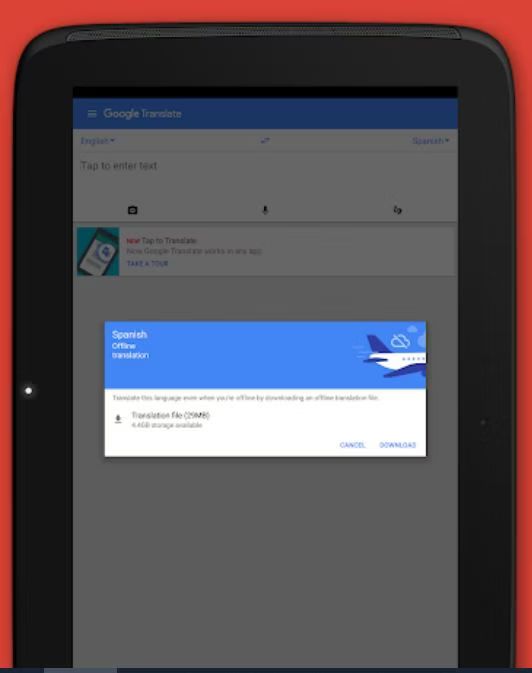
  • Offline Mode – Download languages to translate the text without the internet connection. Perfect to use when you are traveling to another country or you have limited access to the internet yet you need to do some urgent translations.

  • Website Translation – Copy a web page address to translate whole web pages so that you can easily navigate through your favorite language. This assists you to read news, research or international information without language barrier.

Google Translate Demo

There wouldn’t be any formal demo that Google Translate would require. In case you want to instantly use and check the features, then this can be done with Google Translate. Direct exploration of the translation tool can be done by visiting Google Translate and inputting text to view real-time translations.

Google Translate Pricing

For individuals, Google Translate is absolutely free, though pricing for API integration and use at the business level will differ according to usage and quantity. More information is available on Google Translate API pricing and support for integration by contacting Techimply, where our team member will provide customized solutions to suit your business needs.

Alternative

Smartling

By Smartling

0.0
Rating out of 5 Based on 0 reviews

Lokalise

By Lokalise

0.0
Rating out of 5 Based on 0 reviews

crowdin

By Crowdin

0.0
Rating out of 5 Based on 0 reviews

Google Translate Video/Screenshots
User Reviews

no-reviews
Share your experience! Be the very first reviewer. Write a Review

Frequently Asked Questions (FAQs)

The user group of Google Translate are as follows :

  • Personals
  • Startups
  • SMEs
  • Agencies
  • Enterprises

Google Translate has 0 plans.

Google Translate is allowed 0 Days Free Trial.

Google Translate is Online Software.

Yes

Google Translate offers Phone,Email support.

Google Translate provides Help Guides,Video Guides,Blogs for the software training.