Google Sheets

By Google Sheets

0.0
Rating out of 5 Based on 0 reviews

What is Google Sheets? 

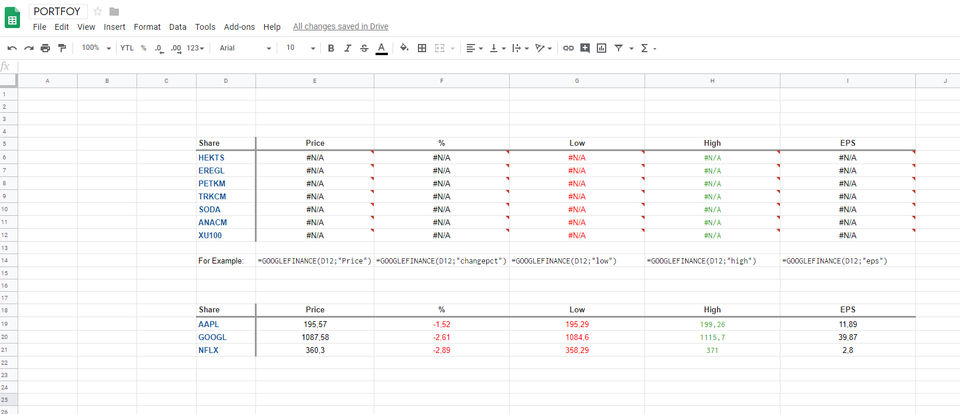
Google Sheets is an online spreadsheet application allowing creation, editing, and sharing of spreadsheets over any device with web access. Google Sheets enables concurrent collaborators with auto-save functionality added to the version history to see what changes have been made. Powerful formulas, charts, and add-ons help budgets, project management or analysis be performed very efficiently.

Pricing of Google Sheets

no-pricing
For get detailed pricing as per your requirements.

Key Features of Google Sheets

Key Features:
  • Document Management
  • Data Import / Export
  • Access Controls/ Permissions
  • Search / Filter
  • Collaboration Tools
  • Templates
  • Data Extraction
  • Commenting / Notes
  • Customizable Templates
  • Third-Party Integrations
  • API

Key Specification

Other Categories: Spreadsheets Software
Deployment: Cloud Hosted
Customer Support: Phone,Email
Customization: No
Languages Support: English

Who uses Google Sheets

Personal
Personal
StartUps
StartUps
SMEs
SMEs
Agencies
Agencies
Enterprises
Enterprises

Company Details

Company Name: Google Sheets
Headquarter: California United States
Social Media:

Google Sheets Description

Benefits of Google Sheets: 

  • Real-time collaboration: More than one user can edit and comment in the document at once. It improves teamwork and cuts down on email chains.

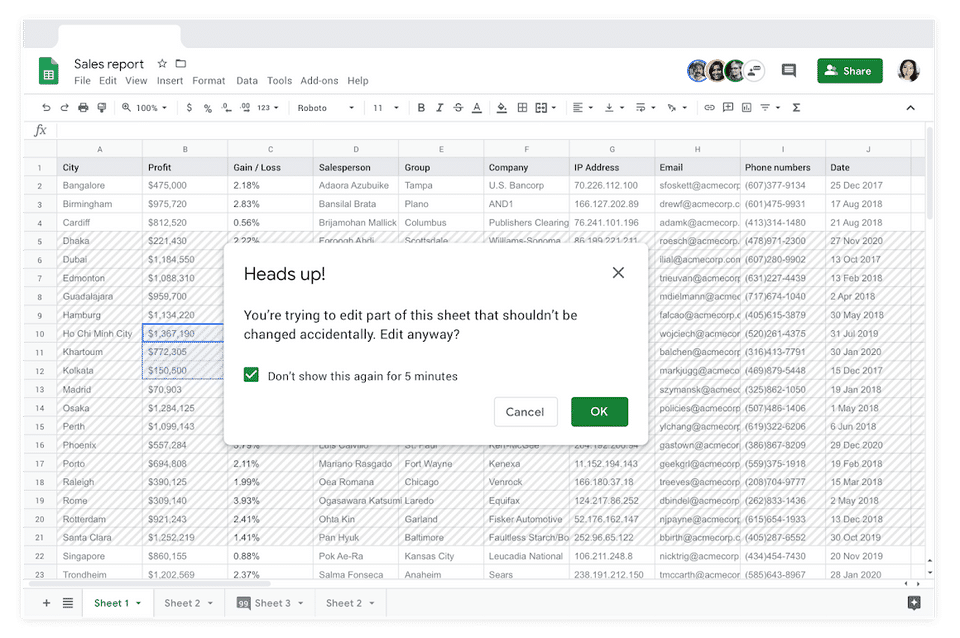
  • Easy data sharing: Share your spreadsheets with specific users, applying secure access controls to view or edit them.

  • Auto-save and cloud backup: Every update is saved right away, making sure your info is backed up and up to date.

  • Access from any device: Work on your spreadsheets from your computer, tablet, or phone, anytime, anywhere.

  • Integration with Google Workspace: It works smooth with Google Drive, Google Forms and other Google tools for easy flow of work.

How to Use Google Sheets? 

  1. Sign in with your Google account.

  2. Create a new spreadsheet or use a template.

  3. Add and organize data in rows and columns.

  4. Use formulas for calculations.

  5. Apply filters and create charts.

  6. Share and collaborate in real time.

  7. Access your sheets from any device.

Features of Google Sheets:

  • Real-time editing and commenting: This feature is really helpful. You can work together with your team at once on the same sheet.

  • Built-in formulas and functions: Make calculations and automate handling of data.

  • Data visualization: Make charts and graphs that represent data clearly for analysis and presentation.

  • Conditional formatting and pivot tables: Highlight trends and summarize large data sets efficiently.

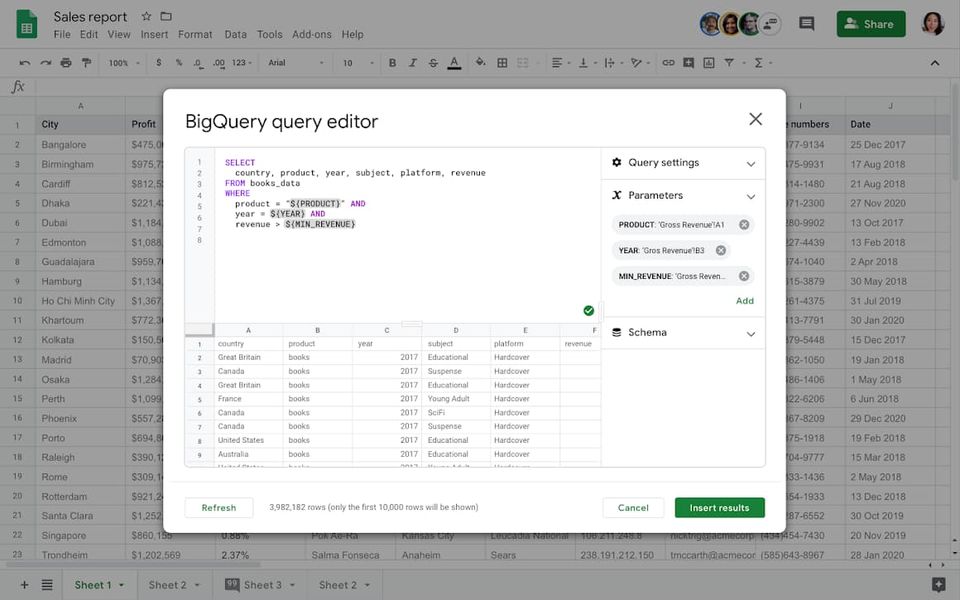
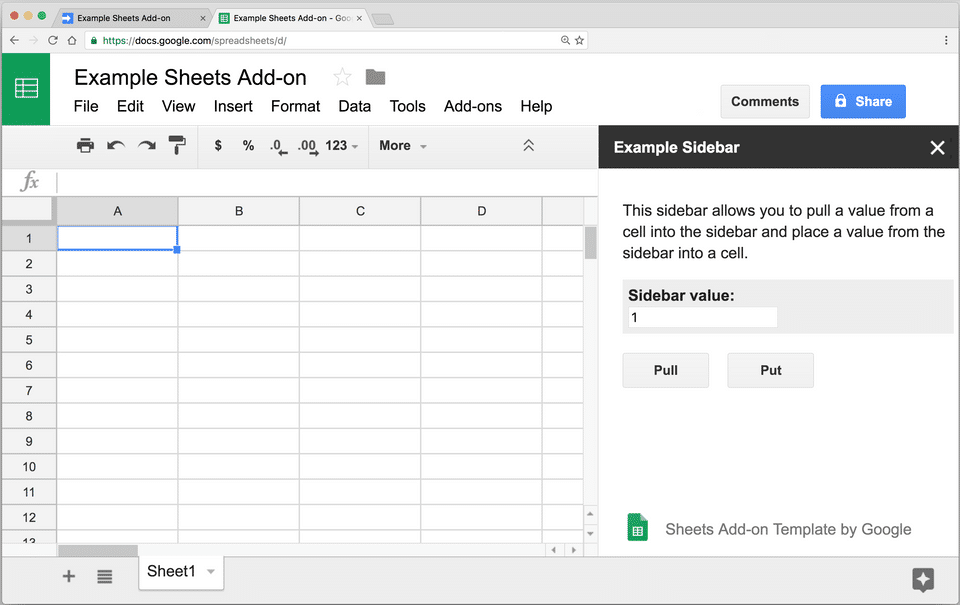
  • Integration with other apps: Integrate with other apps including Google Forms, Google Drive, and more. 

Google Sheets Demo:

You can explore Google Sheets with a free demo by signing into your Google account and accessing it directly from your browser

Google Sheets Pricing:

Google Sheets is free for individual use with a Google account.  For business features contact Techimply. 

Alternative

Google Workspace

The better way to work

0.0
Rating out of 5 Based on 0 reviews

Microsoft Excel

By Microsoft Excel

0.0
Rating out of 5 Based on 0 reviews

LibreOffice

By LibreOffice

0.0
Rating out of 5 Based on 0 reviews

Google Sheets Video/Screenshots

User Reviews

no-reviews
Share your experience! Be the very first reviewer. Write a Review

Frequently Asked Questions (FAQs)

The user group of Google Sheets are as follows :

  • Personals
  • Startups
  • SMEs
  • Agencies
  • Enterprises

Google Sheets has 0 plans.

Google Sheets is not allowing Free Trial.

Google Sheets pricing model : Yearly,Monthly

Google Sheets is Online Software.

No

Google Sheets offers Phone,Email support.

Google Sheets provides Help Guides,Video Guides,Blogs for the software training.