Google Chrome

0.0
Rating out of 5 Based on 0 reviews

What is Chrome?

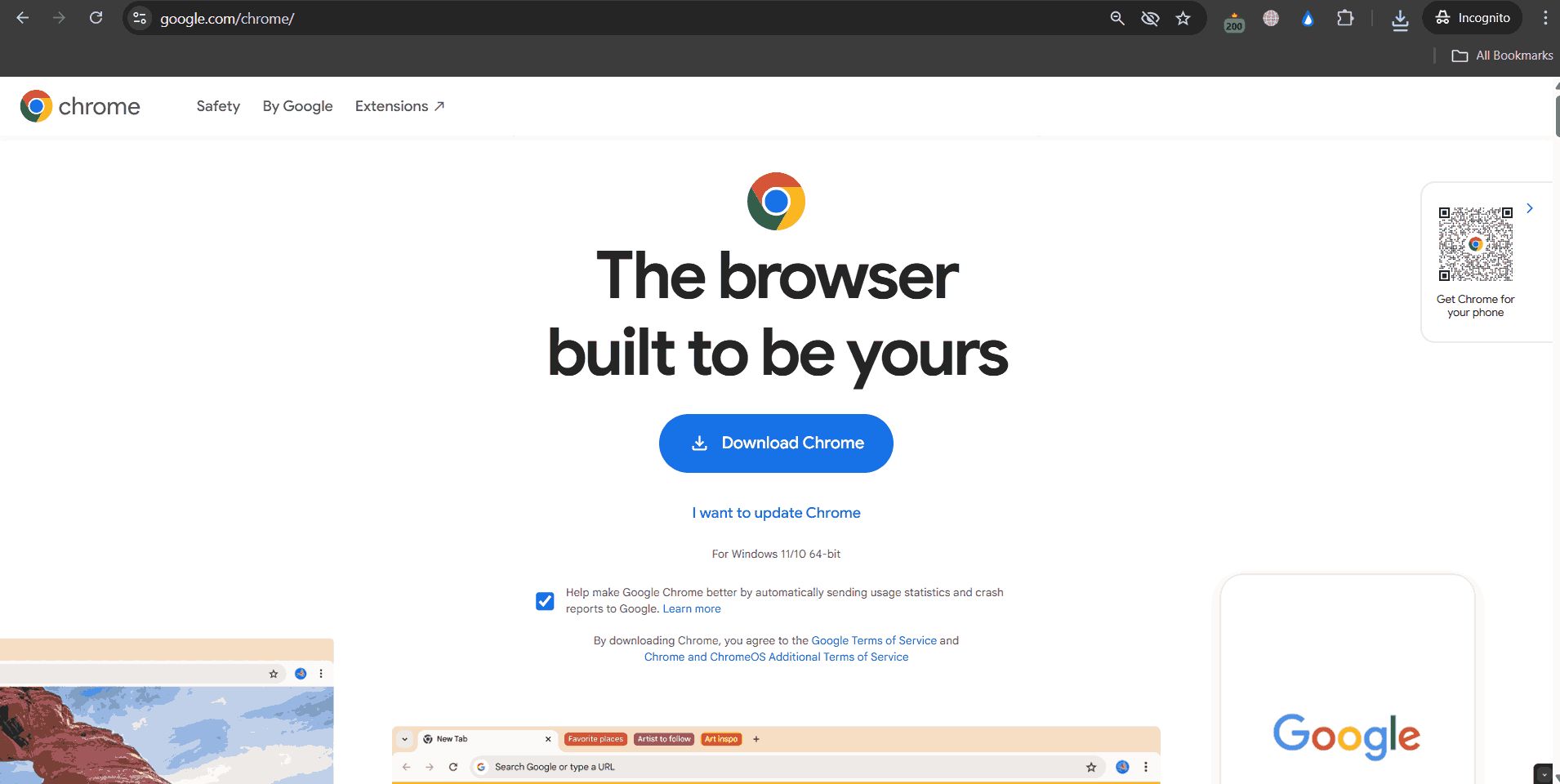
Google Chrome is a quick, safe, fast and easy web browser made by Google for computers, laptops, and phones. It runs on the Chromium base and allows people to visit sites and use web tools easily while sharing bookmarks, passwords, and history on all gadgets for a steady browsing time. If you're wondering how much Chrome costs, just know that it's completely free. Go to the real Google Chrome site, get it, and put it on your device.

Pricing of Google Chrome

no-pricing
For get detailed pricing as per your requirements.

Key Features of Google Chrome

Key Features:
  • Browser insights
  • Browser restriction
  • Password Manager
  • Customize Your Browser
  • Sync Between Devices
  • Translate the Web
  • Search Engine
  • Tab Management
  • Address Bar
  • Bookmark Management
  • Ad Blocker
  • Private Browsing

Key Specification

Other Categories: Browser Security Software
Deployment: Cloud Hosted
Customer Support: Online (Ticket)
Customization: No
Languages Support: Aymara, Bengali/Bangla, Chinese, Danish, Dutch, English, Estonian, Finnish, French, German, Greek, Gujarati, Hindi, Italian, Japanese, Korean, Marathi, Nepali, Portuguese, Russian

Who uses Google Chrome

Personal
Personal
StartUps
StartUps
SMEs
SMEs
Agencies
Agencies
Enterprises
Enterprises

Company Details

Company Name: Google
Headquarter: California United States
Social Media:

Google Chrome Description

Benefits of Chrome:

  • User-Friendly Interface and Customization: Chrome gives a neat simple interface with options to customize its themes, manage tabs and add extensions to make it more productive.

  • Speed and Performance: Chrome delivers quick page loading, fast startup, and efficient browsing across all your devices.

  • Security and Safety: Built-in features include safe browsing, sandboxing technology, and automatic updates against malware and phishing for users.

  • Integration with Google Services: Users can easily sync bookmarks, passwords, and browsing history with their Google account for a seamless cross-device experience.

How to Use Chrome?

  1. First visit the official Google Chrome site, download it and install it on your device.

  2. Open Chrome and type a website address or search term in the address bar at the top to begin browsing. 

  3. Sign in with your Google account to sync bookmarks, passwords, and history from other devices.

  4. Add extensions and organise bookmarks to personalize your surfing experience.

Features of Chrome:

  • Omnibox: No more toggling between search and address bars. Just start typing, and Chrome will show instant website suggestions, your recent history, and search results, all helping you get to what you need much faster.

  • Built-in Translation: If you land on a page in a different language, Chrome will automatically pop up a message offering to translate it for you, so browsing global content becomes easy without any copying and pasting to a translator.

  • Incognito Mode: Want to browse privately? Incognito Mode lets you surf the web without saving your history or cookies, giving you peace of mind when you need privacy.

  • Password Management: You no longer have to memorize every password. Use Chrome to create, remember and auto-fill strong passwords for you. It notifies you when your saved password has been compromised.

  • Extensions and Apps: Need an ad blocker, grammar checker, or screenshot tool? You can customize Chrome with extensions and apps from the Web Store to fit your workflow.

  • Tab Management: If you often have many tabs open, Chrome’s tab groups help you organise and find what you need quickly, keeping your browsing tidy and stress-free.

  • Google Lens: See an image you want to learn more about? Right-click and use “Search with Google Lens” to find similar images, translations, or product details instantly.

  • AI-Powered Features: Chrome’s new AI tools help you find sites in your history using natural language and compare products across tabs, saving you time while shopping or researching.

Chrome Demo:

You can explore Chrome’s interface and features by downloading it for free

Chrome Price:

Google Chrome cost? There is none. It’s Google Chrome free, with zero subscription fees or charges.

Alternative

NordVPN

The most advanced VPN. And much more

0.0
Rating out of 5 Based on 0 reviews

Tenable.io

Tenable One Exposure Management Platform

0.0
Rating out of 5 Based on 0 reviews

Mozilla Firefox

By Mozilla Firefox

0.0
Rating out of 5 Based on 0 reviews

Google Chrome Video/Screenshots

User Reviews

no-reviews
Share your experience! Be the very first reviewer. Write a Review

Frequently Asked Questions (FAQs)

The user group of Google Chrome are as follows :

  • Personals
  • Startups
  • SMEs
  • Agencies
  • Enterprises

Google Chrome has 0 plans.

Google Chrome is allowed 0 Days Free Trial.

Google Chrome is Online Software.

No

Google Chrome offers Online (Ticket) support.

Google Chrome provides Help Guides,Blogs,Case Studies for the software training.