 4.1
4.1
What is Gimkit?
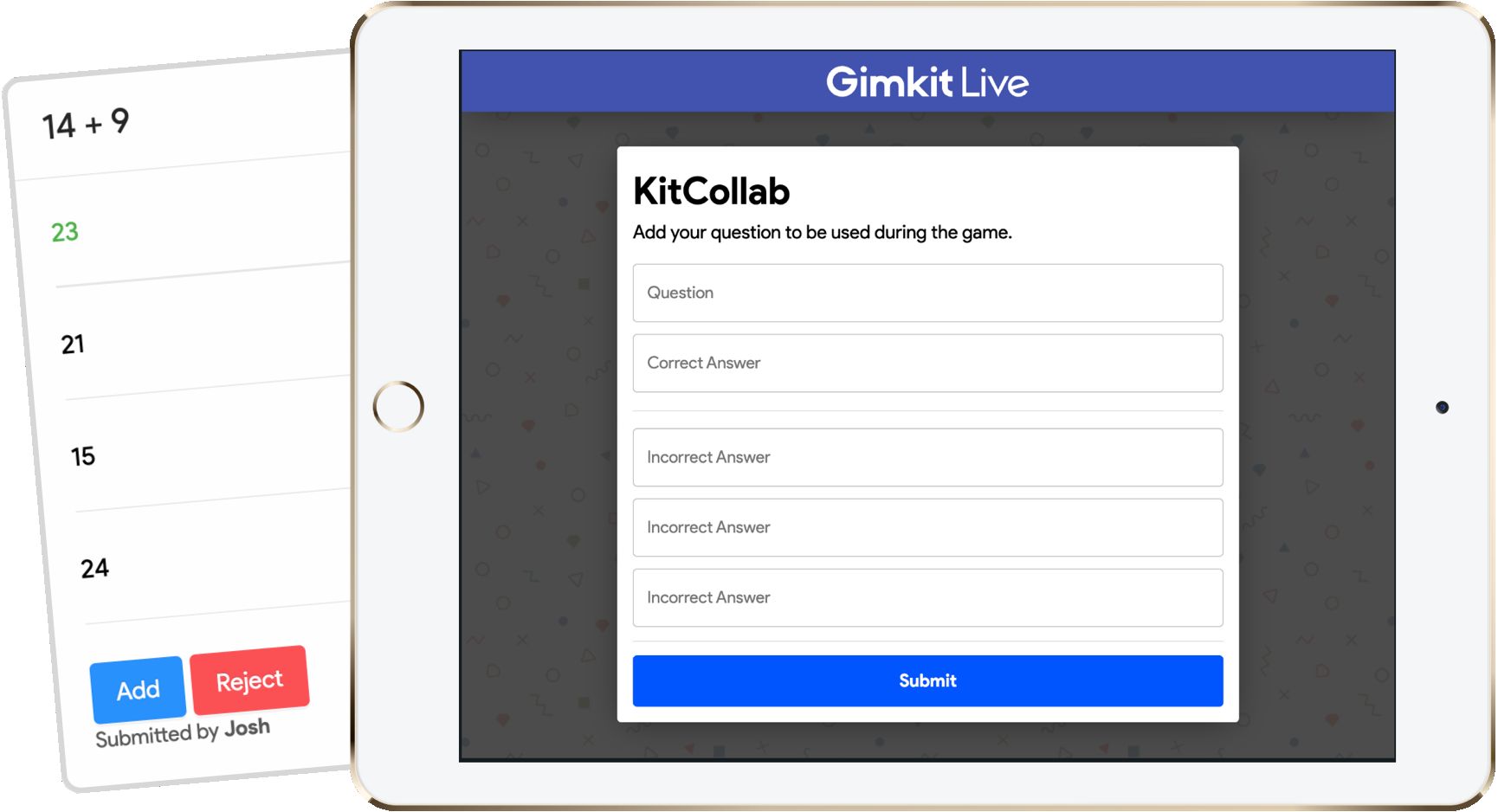
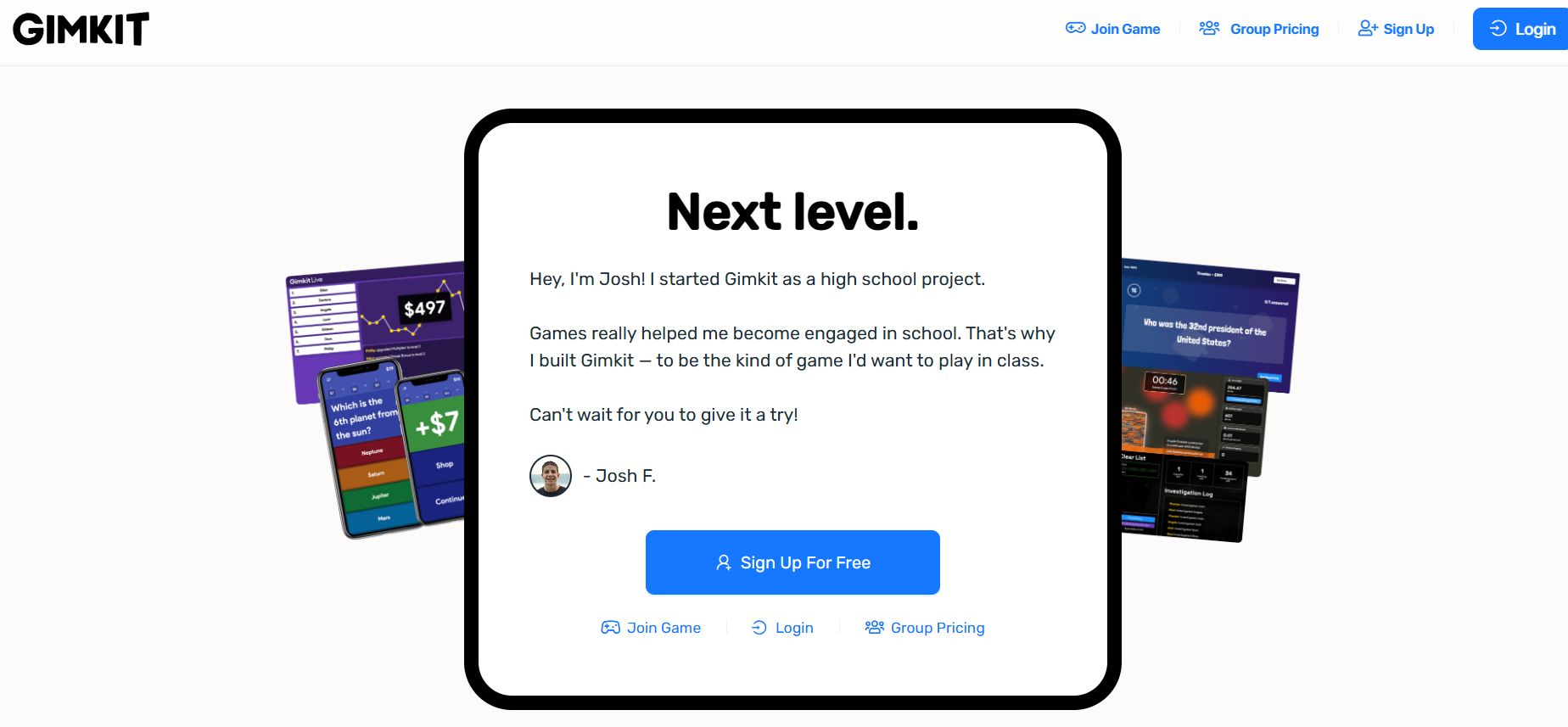
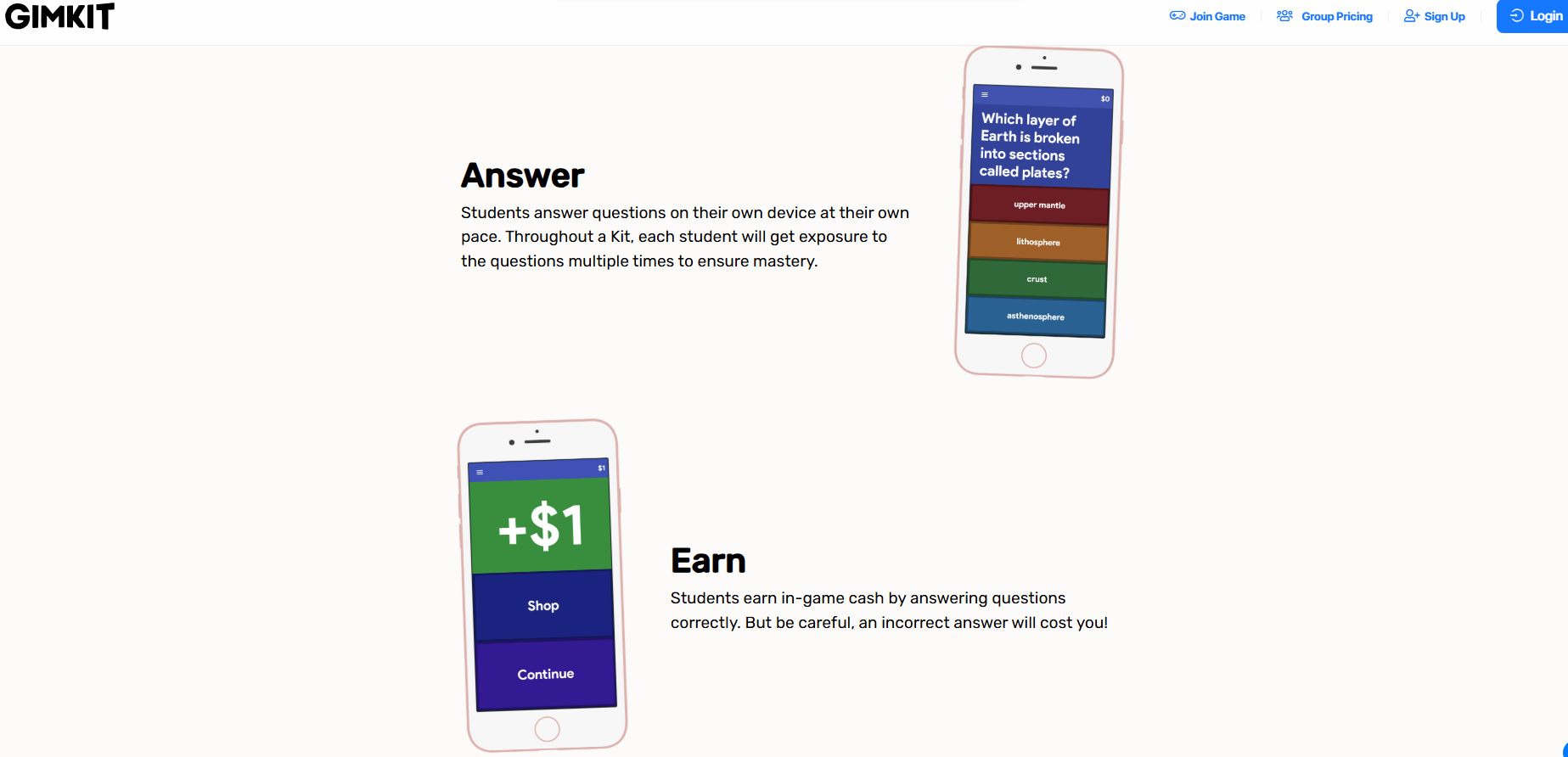
Most quiz tools test students Gimkit pays them. Built by high school student Josh Feinsilber, who was bored with the quiz apps his own teachers used, this game-based learning platform rewards every correct answer with in-game cash that students spend on upgrades, power-ups, and multipliers, while wrong answers cost them money. Unlike Kahoot's one-and-done format, questions repeat throughout each game, which is where real retention happens. Teachers can run live class sessions or assign self-paced homework, pick from video game-style modes like Capture the Flag and Don't Look Down, and use KitCollab to have students write the questions themselves, meaning they study before the game even begins. Post-game reports break down exactly which questions stumped the class, and everything syncs with Google Classroom. The free plan covers basic use, while Gimkit Pro unlocks all game modes and unlimited kits. If your students groan when the quiz screen loads, this is the fix.
Pricing of Gimkit

Key Features of Gimkit
Key Features:
Key Specification
| Other Categories: | Education Software Education ERP Software Production Scheduling Software Free Scheduling Software |
|---|---|
| Deployment: | Cloud Hosted,Hybrid,Any |
| Customer Support: | Email,Live Chat,Online (Ticket) |
| Customization: | No |
| Languages Support: | English |
Who uses Gimkit

Personal

StartUps

SMEs

Agencies
Company Details
| Company Name: | Gimkit |
|---|---|
| Headquarter: | Seattle, Washington United States |
| Social Media: |
Gimkit Description
Most Popular Software


_mid.png "Talent LMS")
Alternative



Gimkit Video/Screenshots
Gimkit Key Clients

User Reviews
Write a ReviewOne of the Best Educational Platforms Available
We implemented Gimkit across several classrooms in our school. Teachers appreciated how quickly students adapted to the platform, while students enjoyed the competitive elements. It has become one of our preferred tools for revision and formative assessments.
What you like the most about Gimkit?
Easy setup, engaging game modes, and detailed performance tracking for teachers.
What you like the least about Gimkit?
Pricing can become expensive when purchasing licenses for larger groups.
Rating breakdown
- harshvardhan principal At Vivekananda International School
Makes Learning Fun and Interactive
As a high school science teacher, I've seen significant improvements in participation when using Gimkit. Students enjoy earning virtual currency and making in-game decisions while reviewing course material. The platform is intuitive and easy to manage.
What you like the most about Gimkit?
The platform combines learning with strategic gameplay, making quizzes far more engaging than traditional assessment methods.
What you like the least about Gimkit?
The free version has limitations, and some customization options could be expanded.
Rating breakdown
- Tarun sing science teacher At Brightfield International School
Excellent Tool for Student Engagement
I've used Gimkit for over a year in my middle school classroom. It has transformed review sessions from something students tolerate into something they genuinely look forward to. Creating quizzes is simple, and the real-time analytics help me identify which concepts need additional attention.
What you like the most about Gimkit?
The gamification aspect is outstanding. Students stay focused throughout the lesson, and the variety of game modes keeps activities fresh and engaging.
What you like the least about Gimkit?
Some of the most interesting game modes and advanced features require a paid subscription, which may not fit every school's budget.
Rating breakdown
- David Senior Teacher At st merry jeson school
Frequently Asked Questions (FAQs)
The user group of Gimkit are as follows :
- Personals
- Startups
- SMEs
- Agencies
Gimkit has 0 plans.
Gimkit is allowed 7 Days Free Trial.
Gimkit pricing model : Yearly,Monthly,Transaction
Gimkit is Cloud Hosted,Hybrid,Any Software.
No
Gimkit offers Email,Live Chat,Online (Ticket) support.
Gimkit provides Help Guides,Video Guides,Blogs,Infographics for the software training.