

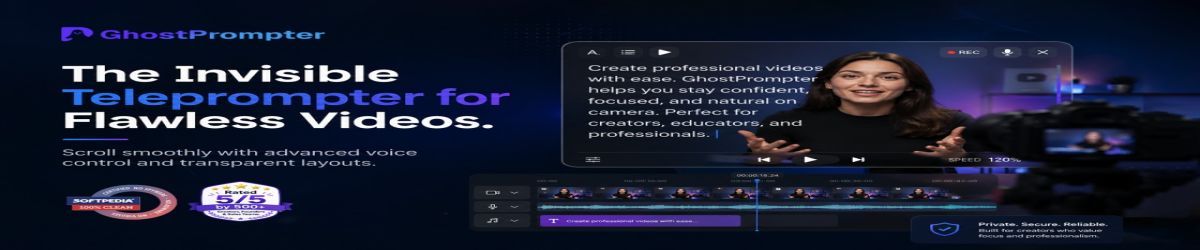

GhostPrompter – Invisible Teleprompter
Invisible transparent overlay teleprompter for video creators and presenters.
 0.0
GhostPrompter is a lightweight desktop teleprompter application featuring a fully transparent, click-through overlay that floats over your camera line, enabling presenters to maintain perfect eye contact with their audience.
Pricing of GhostPrompter – Invisible Teleprompter
- Click-Through Overlay
- Voice-Activated Scrolling
- Invisible in Screen Recordings
- Script Management
- Display Customization
Key Features of GhostPrompter – Invisible Teleprompter
Key Features:
Key Specification
| Other Categories: | Video Editing Software Presentation Software |
|---|---|
| Deployment: | On Premise |
| Customer Support: | |
| Customization: | Yes |
| Languages Support: | English |
Who uses GhostPrompter – Invisible Teleprompter

Personal

StartUps

SMEs
Company Details
| Company Name: | GhostPrompter |
|---|---|
| Headquarter: | Ernakulam, Kerala India |
| Social Media: |
GhostPrompter – Invisible Teleprompter Description
Most Popular Software






User Reviews

Frequently Asked Questions (FAQs)
The user group of GhostPrompter – Invisible Teleprompter are as follows :
- Personals
- Startups
- SMEs
GhostPrompter – Invisible Teleprompter has 1 plans,
- Pro Plan USD 49 Lifetime
GhostPrompter – Invisible Teleprompter is allowed 14 Days Free Trial.
The key featuers of GhostPrompter – Invisible Teleprompter are as follows :
- Video Capture
- Offline Presenting
- Audio Tools
- Offline Editing
- Text Overlay
- Video and Audio Filters
- Customizable Interface
GhostPrompter – Invisible Teleprompter pricing model : Onetime(Perpetual License)
GhostPrompter – Invisible Teleprompter is Offline Software.
Yes
GhostPrompter – Invisible Teleprompter offers Email support.
GhostPrompter – Invisible Teleprompter provides Help Guides,Video Guides,Blogs,Case Studies for the software training.


