 0.0
0.0
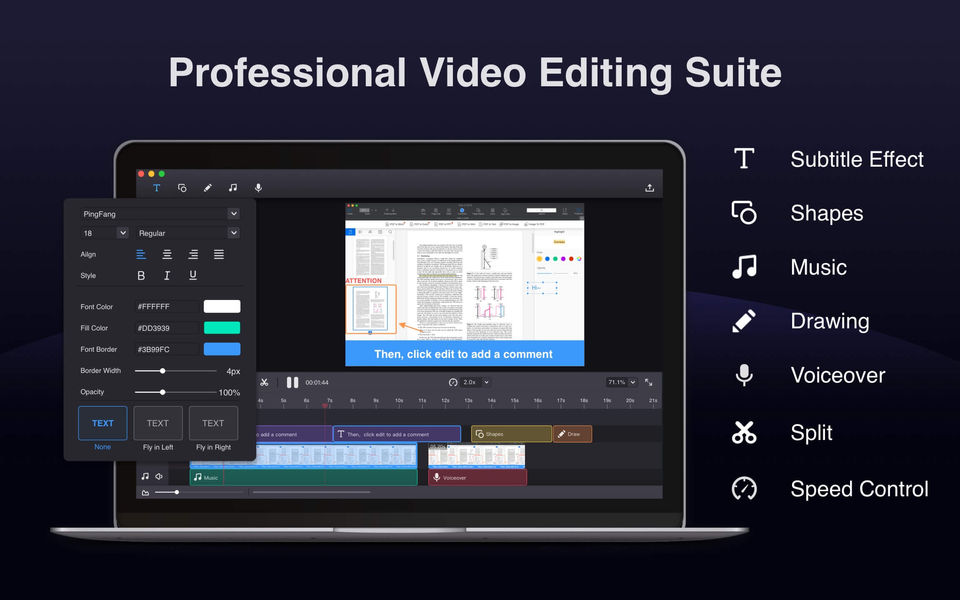
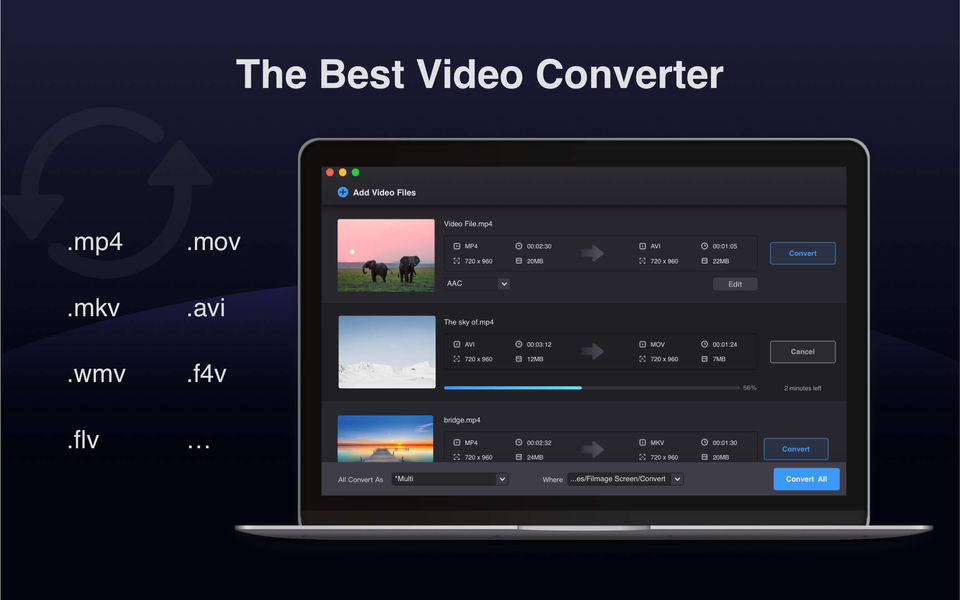
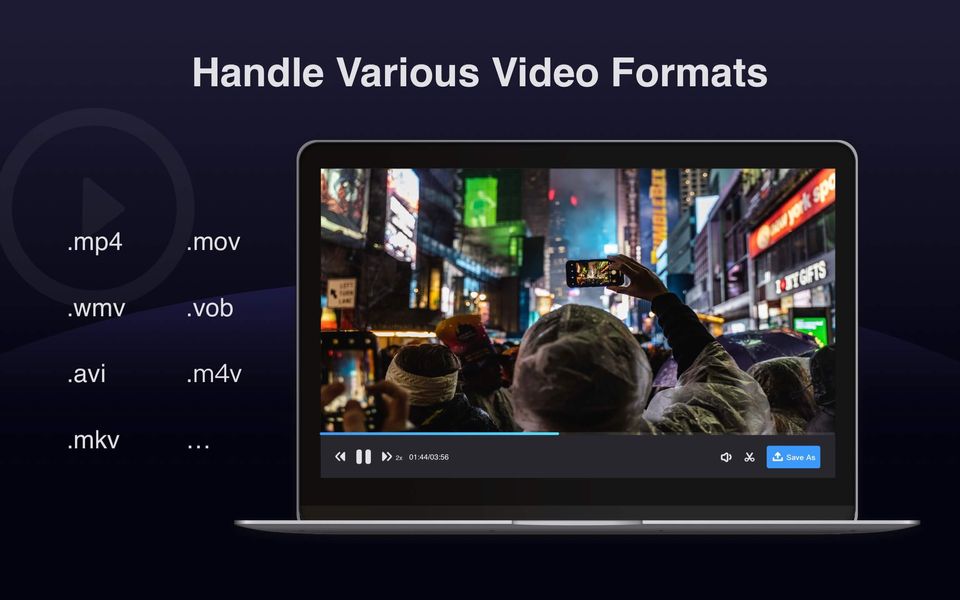
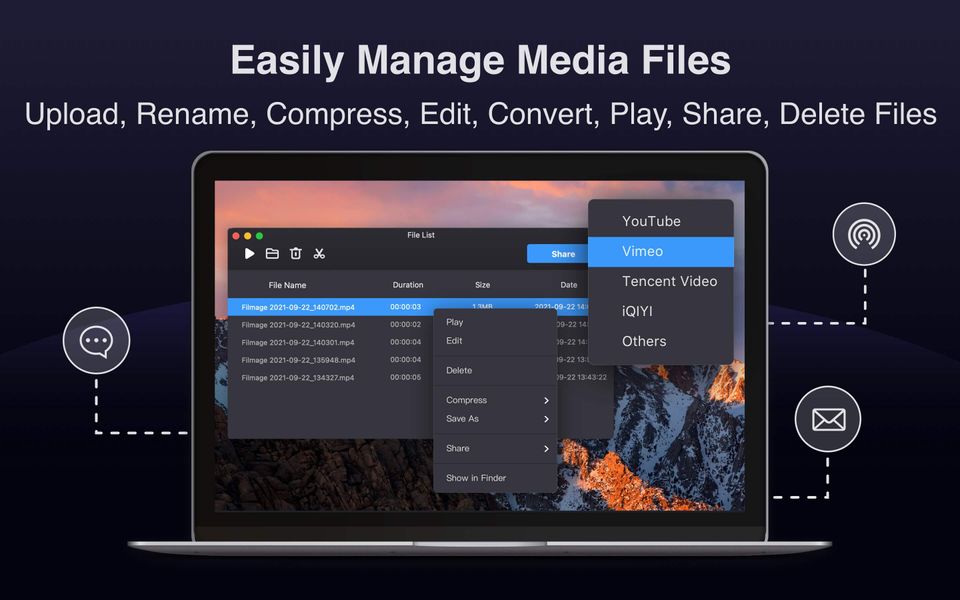
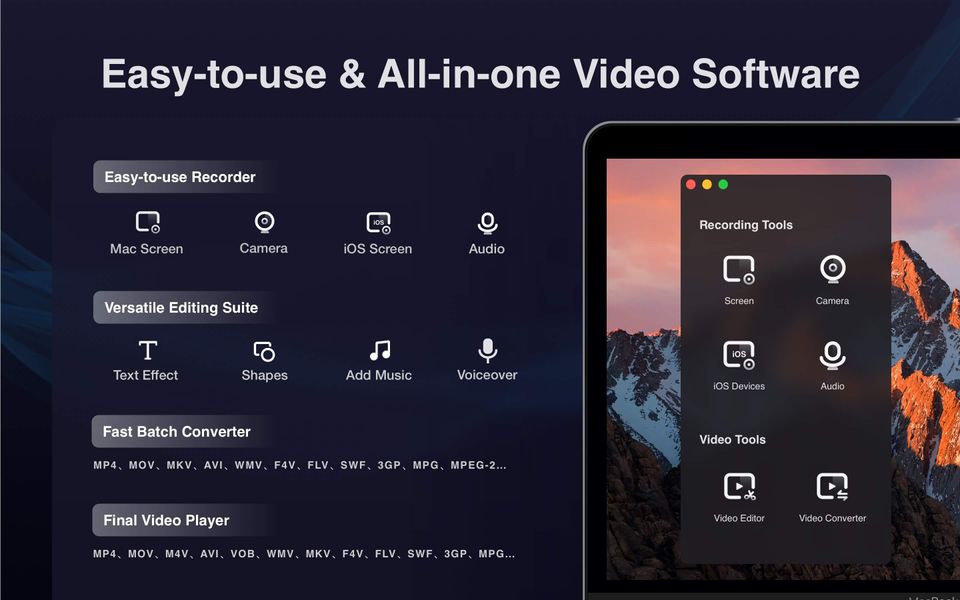
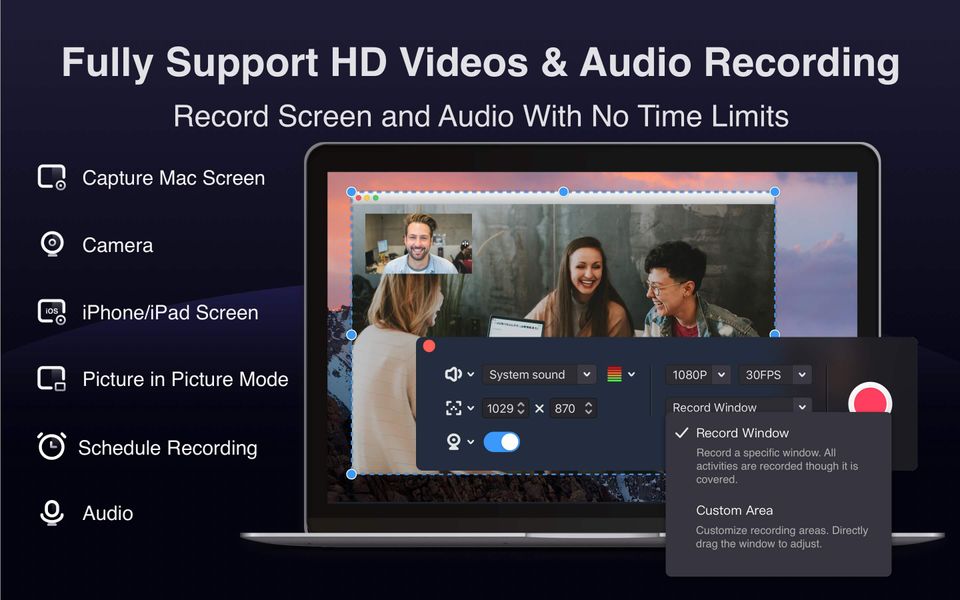
Filmage Screen is a video editing tool that can be used to record and edit videos according to the user's requirements. It offers full creative control with features like text, sketch, shapes, subtitle effects, music, and voiceover. It can also record screens and convert videos into over 500 formats with the drag and drop files tool. The software is used by professionals, small, and medium companies.
Pricing of Filmage Screen
- Create 4K/1080P/720P HD video by capturing your Mac screen : 720P
- Record movie by camera
- Record iPhone/iPad screen : USB
- Record Audio
- Record a target window. All activities in the window can be recorded even it is covered : Custom Area
- Picture in picture mode helps to create a video overlay : 1 time
- Convert video to MP4
- MOV
- AVI
- MKV and other 500+ formats : 2 mins
- Edit any videos: text box
- shapes
- drawing
- music
- text effects
- voiceover etc. : text box
- shapes
- drawing
- music
- Customize Opener
- Create 4K/1080P/720P HD video by capturing your Mac screen
- Record movie by camera
- Record iPhone/iPad screen
- Record Audio
- Record a target window. All activities in the window can be recorded even it is covered
- Picture in picture mode helps to create a video overlay
- Auto-scheduling screen recorder: Schedule a screen recording
- Customize FPS(15fps-60fps)
- No watermark
- Convert video to MP4
- MOV
- AVI
- MKV and other 500+ formats
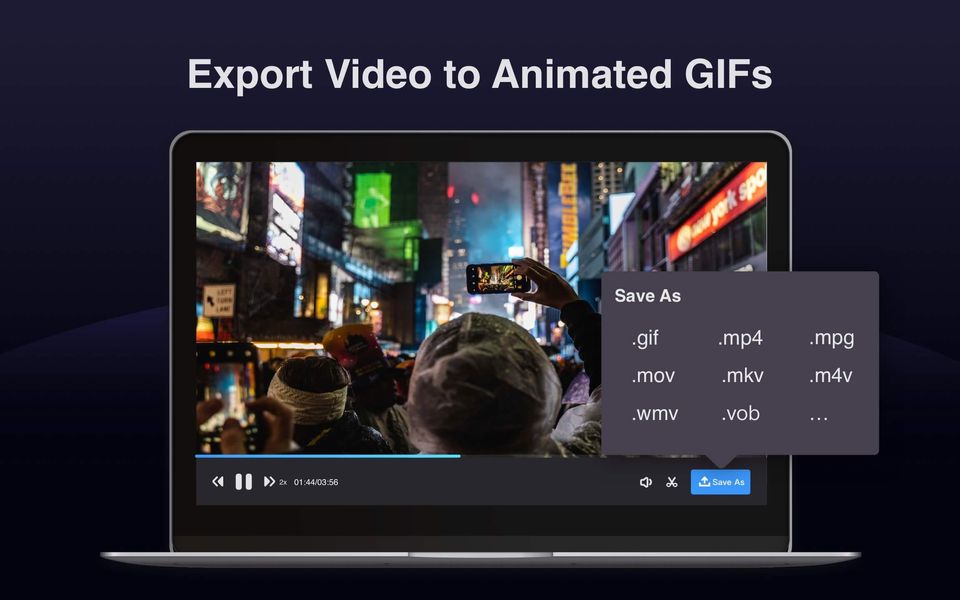
- Make animated GIFs
- Edit any videos: text box
- shapes
- drawing
- music
- text
- Create 4K/1080P/720P HD video by capturing your Mac screen
- Record movie by camera
- Record iPhone/iPad screen
- Record Audio
- Record a target window. All activities in the window can be recorded even it is covered
- Picture in picture mode helps to create a video overlay
- Auto-scheduling screen recorder: Schedule a screen recording
- Customize FPS(15fps-60fps)
- No watermark
- Convert video to MP4
- MOV
- AVI
- MKV and other 500+ formats
- Make animated GIFs
- Edit any videos: text box
- shapes
- drawing
- music
- text
Key Features of Filmage Screen
Key Features:
Key Specification
| Other Categories: | Screen Recording Software For Mac Screen Recording Software |
|---|---|
| Deployment: | |
| Customer Support: | Business Hours,Online (Ticket) |
| Customization: | No |
| Languages Support: | English |
Who uses Filmage Screen

Personal

SMEs

Enterprises
Company Details
| Company Name: | Filmage Screen |
|---|---|
| Headquarter: | United States, |
| Social Media: |
Most Popular Software





Alternative
Filmage Screen Video/Screenshots
User Reviews

Frequently Asked Questions (FAQs)
The user group of Filmage Screen are as follows :
- Personals
- Enterprises
- SMEs
- SMEs
Filmage Screen has 4 plans,
- Free (Individual) USD 0.00
- Basic (Individual) USD 14.99
- Permanent License (Individual) USD 29.99
- Education USD 0.00
Filmage Screen is not allowing Free Trial.
The key featuers of Filmage Screen are as follows :
- Video Editing
- Audio Capture
- Screen Capture
- File Sharing
- Social Network Sharing
- Image Editor
- Cloud Storage
- Collaboration
- Speech to Text
- Video Annotations
Filmage Screen pricing model : Onetime(Perpetual License)
Filmage Screen is Software.
No
Filmage Screen offers Business Hours,Online (Ticket) support.
Filmage Screen provides Help Guides,Blogs,Video Guides for the software training.