eFORCE

By eFORCE

0.0
Rating out of 5 Based on 0 reviews

What is eFORCE?

eFORCE (often searched as eforce software, e-forsce, or e forcse) is a cloud-based public safety and law enforcement management platform designed to streamline daily operations for police departments, dispatch teams, EMS units, fire departments, and government agencies. The eforce app helps agencies manage records, dispatching, jail operations, reporting, and digital workflows in a secure and centralized environment.

Pricing of eFORCE

Basic

USD null
USD 0.00

null

Buy Now

Key Features of eFORCE

Key Features:
  • Activity Dashboard
  • Alerts/Notifications
  • Communication Management
  • Case Management
  • Court Management Integration
  • Data Import/Export
  • Dispatch Management
  • Evidence Management
  • Field Reporting
  • Incident Mapping
  • Investigation Management
  • Status Tracking
  • Third Party Integrations
  • Criminal Database
  • Internal Affairs Administration
  • Customizable Reports
  • Document Storage
  • Monitoring
  • Real-time Updates
  • Summary Reports

Key Specification

Other Categories: Law Enforcement Software
Deployment: Cloud Hosted,Hybrid,On Premise,Any
Customer Support: Phone,Live Chat
Languages Support: English

Who uses eFORCE

StartUps
StartUps
SMEs
SMEs
Agencies
Agencies
Enterprises
Enterprises

Company Details

Company Name: eFORCE
Headquarter: United States
Social Media:

eFORCE Description

Who Uses eFORCE?

  • Police departments and law enforcement agencies

  • Fire and EMS teams

  • Dispatch and communication centers

  • University campus security

  • Government and municipal safety departments

  • Agencies looking for lightweight, web-based tools instead of outdated desktop-based systems

Why Choose eFORCE?

Many agencies choose eFORCE because it is flexible, browser-based, easy to deploy, and accessible from anywhere. Its intuitive interface reduces training time, and its compliance-ready structure helps agencies maintain accurate, audit-friendly records. Agencies that need modern alternatives to older systems often shift to eforce software for its reliability and customization.

Benefits of eFORCE

  • Improves team coordination across dispatch, patrol, and admin staff

  • Offers secure cloud hosting for real-time data access

  • Reduces paperwork and manual processes

  • Mobile-friendly access through the eforce app

  • Helps agencies stay compliant with reporting mandates

  • Reduces operational costs with an all-in-one system

Features of eFORCE

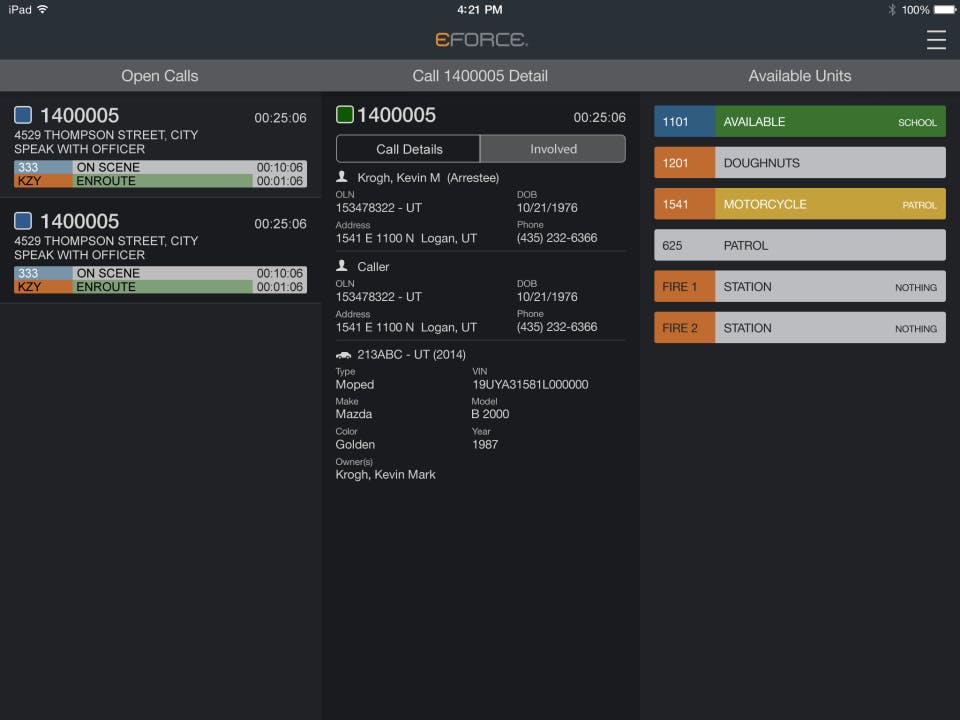
  • Computer-Aided Dispatch (CAD): Real-time call handling, unit status updates

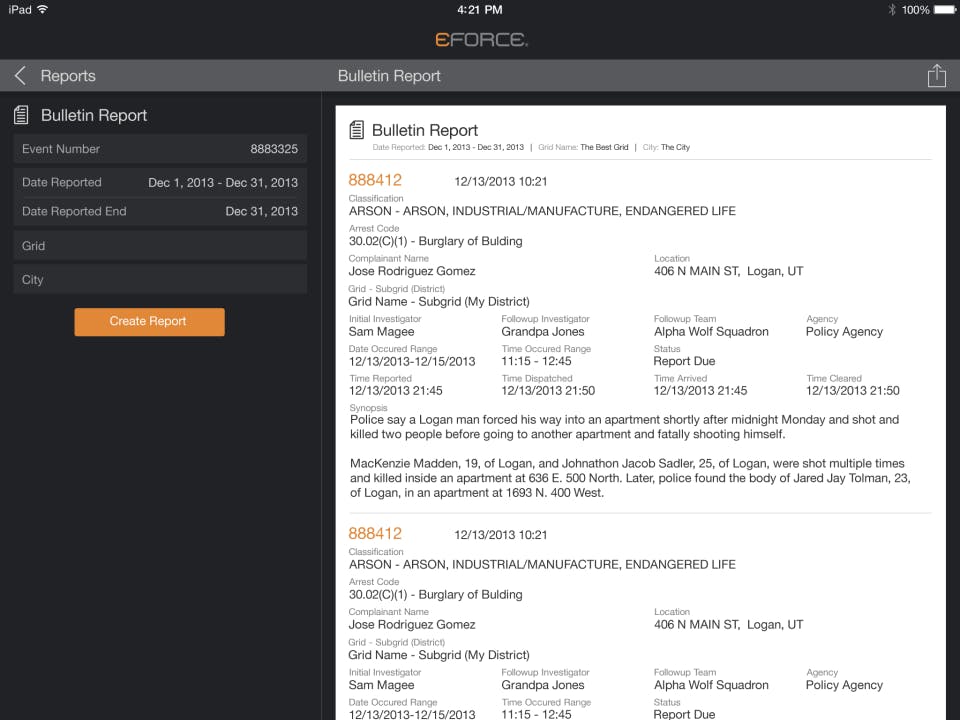
  • Records Management System (RMS): Case management, incident reports, property/ evidence tracking

  • Jail Management: Booking, inmate records, housing assignments

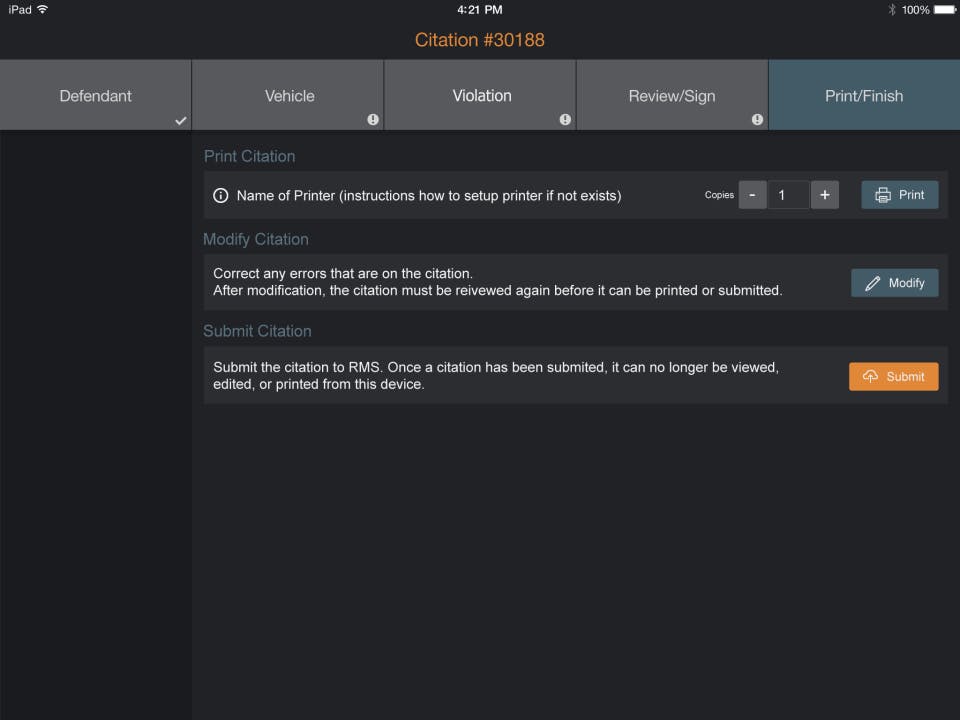
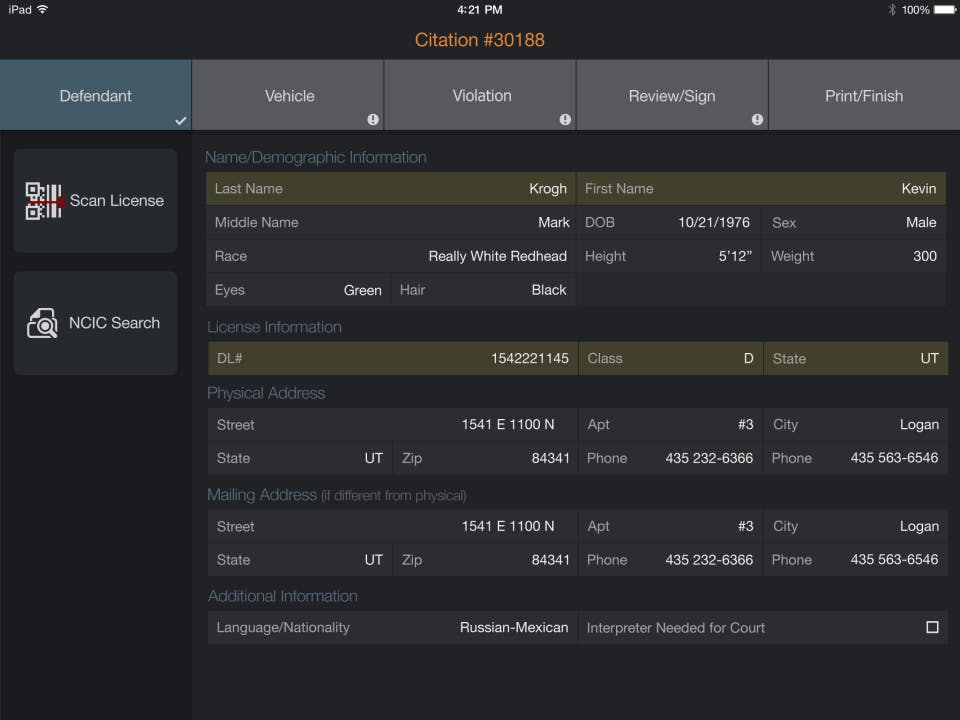
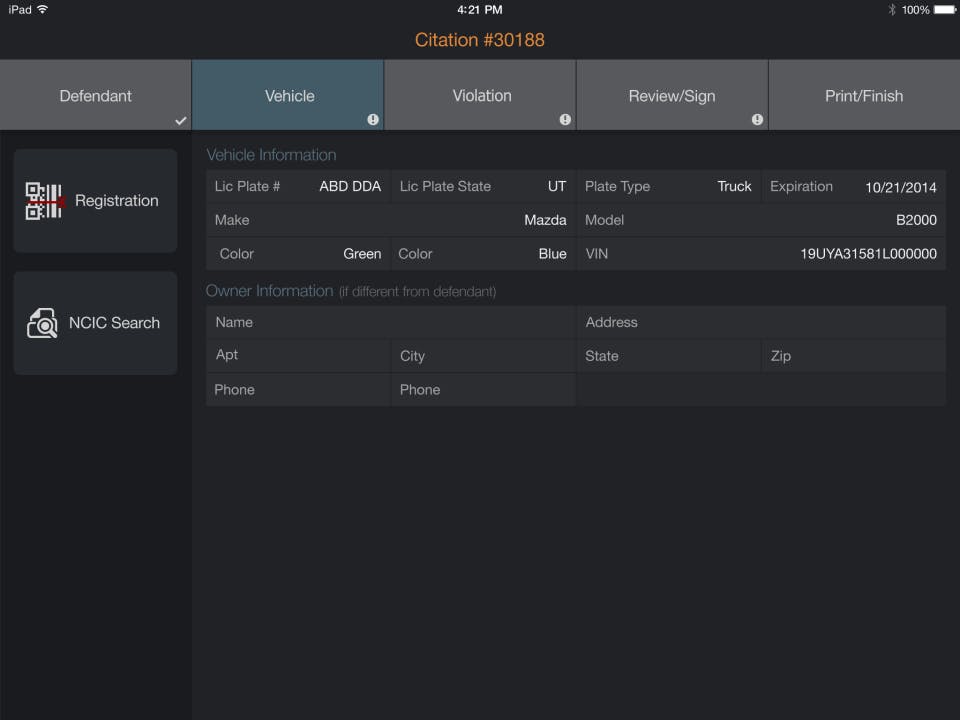
  • Mobile Solutions: Field reporting, quick data lookup, GPS tracking

  • Automated Reporting: NIBRS and compliance-ready reports

  • Fire/EMS Modules: Response tracking, incident documentation

  • Administrative Tools: Scheduling, personnel management, analytics

How to Use eFORCE?

Using eforce software is simple:

  1. Log in through any browser or the eforce app

  2. Access your assigned module (CAD, RMS, jail, fire/EMS, etc.)

  3. Enter incidents, reports, or dispatch updates in real time

  4. Generate automated reports for compliance needs

  5. Collaborate with your team using shared dashboards

  6. Track cases, resources, and field units through the platform

eFORCE Demo

Agencies can request a demo to explore how the CAD, RMS, jail management, and mobile modules work together. The demo typically includes a walkthrough of workflows, customization options, security controls, and reporting features.

eFORCE Pricing

Pricing is usually customized depending on agency size, modules selected, and deployment requirements. Smaller departments may opt for basic RMS or CAD packages, while larger teams may choose full-suite solutions including mobile and jail management modules. Costs scale with features and user count.

eFORCE Review

Users appreciate the platform’s simplicity, cloud accessibility, and strong customer support. Many agencies highlight the ease of using the eforce app in the field, faster reporting workflows, and reduced reliance on outdated systems. The ability to customize modules and scale as the agency grows also makes eforce software a dependable long-term solution.

Alternative

HelloSign

Never been easier: Seamlessly send and request signatures.

0.0
Rating out of 5 Based on 0 reviews

JSK IP Suite

Trademark & Patent Management Software for IP Law Firms in India

0.0
Rating out of 5 Based on 0 reviews

Gov2biz

By Gov2biz

0.0
Rating out of 5 Based on 0 reviews

eFORCE Video/Screenshots

User Reviews

no-reviews
Share your experience! Be the very first reviewer. Write a Review

Frequently Asked Questions (FAQs)

The user group of eFORCE are as follows :

  • Startups
  • SMEs
  • Agencies
  • Enterprises

eFORCE has 1 plans,

  • Basic USD null null

eFORCE is not allowing Free Trial.

The key featuers of eFORCE are as follows :

  • Activity Dashboard
  • Alerts/Notifications
  • Communication Management
  • Case Management
  • Court Management Integration
  • Data Import/Export
  • Dispatch Management
  • Evidence Management
  • Field Reporting
  • Incident Mapping
  • Investigation Management
  • Status Tracking
  • Third Party Integrations
  • Criminal Database
  • Internal Affairs Administration
  • Customizable Reports
  • Document Storage
  • Monitoring
  • Real-time Updates
  • Summary Reports

eFORCE pricing model : Yearly,Monthly,Onetime(Perpetual License)

eFORCE is Cloud Hosted,Hybrid,On Premise,Any Software.

eFORCE offers Phone,Live Chat support.

eFORCE provides Help Guides,Video Guides,Webinars,On-Site Training for the software training.