DocHub

By DocHub

0.0
Rating out of 5 Based on 0 reviews

What is DocHub ?

DocHub is an advanced online device for dealing with, enhancing, and signing PDF files. Through enabling users to edit PDF files from any internet-related device, it does away with the requirement for conventional offline packages. Several editing functions, which include textual content insertion, highlighting, drawing, and annotation, are included within the software, making document customization brief and smooth. Moreover, users can append electronic signatures to formal documents, change pages, and merge files. The capabilities in DocHub PDF are designed to make file dealing with simpler for specialists, college students, and businesses who address virtual documents on a everyday foundation. Because of its cloud connectivity with services like Dropbox, OneDrive, and Google power, users may view their paintings from anywhere at any time.

Pricing of DocHub

FREE

USD 0.00
USD 0.00

Buy Now
  • 2
  • 000 Documents
  • 5 eSignatures / month
  • 3 Sign Requests / month
  • 2
  • 000 Documents
  • 5 eSignatures / month
  • 3 Sign Requests / month

PRO

USD 6.99
USD 0.00

/User/Month

Buy Now
  • Unlimited Documents
  • Unlimited eSignatures
  • Unlimited Sign Requests
  • Premium Tools
  • Unlimited Documents
  • Unlimited eSignatures
  • Unlimited Sign Requests
  • Premium Tools

Key Features of DocHub

Key Features:
  • Document Analytics
  • Regulatory Compliance
  • Timestamp
  • Document Expiry
  • Multi-user Signing
  • Sequential Signing
  • Document Audit Trail
  • Bank Level Security
  • Multi-factor Authentication
  • Progress Tracking
  • Customizable Branding
  • Reminders
  • Access Control

Key Specification

Other Categories: Electronic Signature Software PDF Software
Deployment: Cloud Hosted
Customer Support: Online (Ticket)
Customization: No
Languages Support: English

Who uses DocHub

Personal
Personal
SMEs
SMEs

Company Details

Company Name: DocHub
Headquarter: Boston, Massachusetts United States
Social Media:

DocHub Description

Why Choose DocHub?

DocHub is a preferred choice for users who value simplicity, convenience, and efficiency when dealing with digital documents. Unlike traditional PDF software that requires installations and updates, DocHub operates entirely online, reducing technical barriers. It offers an intuitive interface that makes PDF editing effortless, even for beginners. The platform also includes collaboration tools that allow multiple users to review and comment on documents simultaneously, improving teamwork and workflow efficiency. Its secure encryption protocols ensure that sensitive information is always protected. Many users choose DocHub after experiencing its smooth performance, flexible features, and reliability. According to numerous DocHub reviews, it provides a powerful alternative to costly PDF editors while maintaining professional-grade functionality. Businesses prefer it because it streamlines document processing, speeds up approvals, and enhances digital communication.

Benefits of DocHub:

  • Allows users to edit, sign, and share PDFs online without downloading any software.
  • Provides a user-friendly interface suitable for both personal and professional use.
  • Integrates with cloud storage services for easy file management.
  • Offers strong security and encryption for protecting sensitive data.
  • Saves time and reduces paperwork by enabling digital signatures and online collaboration.
  • Supports annotation, highlighting, and commenting for efficient review processes.
  • Enables the merging and reordering of pages in PDF documents.
  • Works seamlessly on various devices and operating systems.
  • Offers free and premium versions to fit different usage needs.
  • Receives consistently positive DocHub reviews for its speed, accessibility, and advanced functionality.

How to Use DocHub:

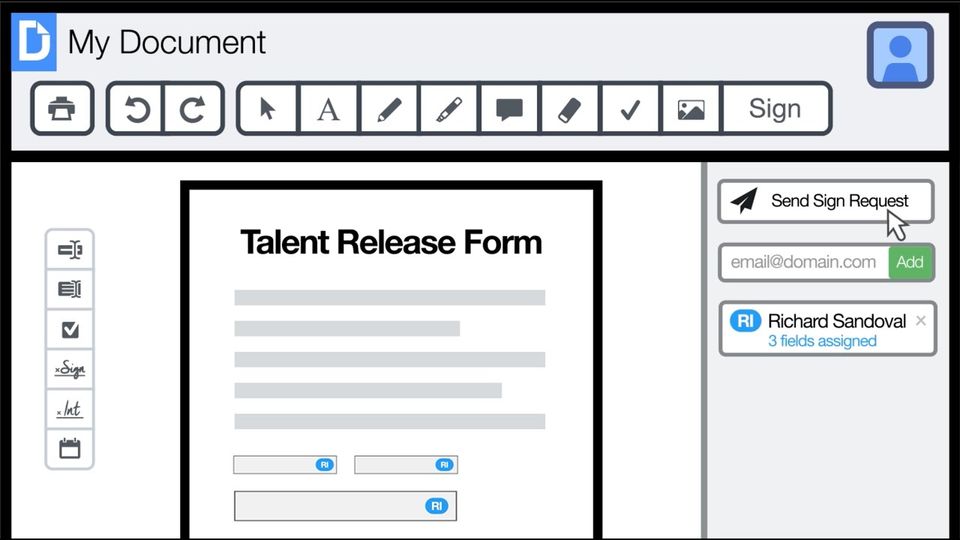
To use DocHub, start by visiting the platform and creating an account or signing in with your existing credentials. Once logged in, you can upload a document directly from your computer or import it from a connected cloud storage service such as Google Drive or Dropbox. After uploading, the document opens in the DocHub editor, where you can begin making changes. The toolbar provides multiple options including text insertion, highlighting, drawing, and the ability to add comments. You can also use the signature feature to insert electronic signatures or initials on forms and contracts. For editing layout or merging pages, use the document management panel available on the side of the interface. Once your edits are complete, you can share the document via email, generate a shareable link, or download the updated file. DocHub pdf tools ensure that the entire process, from uploading to signing, is seamless and secure. The software is accessible across browsers and devices, allowing you to edit and collaborate on documents anytime without technical complications.

Features of DocHub:

  • Web-based PDF editing with no software installation required.
  • Complete editing tools for text, images, annotations, and highlights.
  • Digital signature functionality for fast and secure document signing.
  • Integration with Google Drive, Dropbox, and other cloud platforms.
  • Real-time collaboration tools for multi-user document editing.
  • Secure file storage and encryption for data protection.
  • Merge, reorder, and organize PDF pages easily.
  • Download, export, and share options with customizable permissions.
  • Works across devices, browsers, and operating systems.
  • Streamlined workflow for managing personal, academic, and business documents efficiently.

DocHub Demo & Pricing

DocHub offers a demo version that allows users to explore its interface and test its editing tools before opting for a subscription. The demo showcases how easily users can edit, sign, and share PDFs within minutes using DocHub pdf features. The platform provides flexible pricing options tailored for individuals, teams, and enterprises. It includes a free version with essential features, while the premium version unlocks additional benefits such as advanced collaboration tools, higher storage limits, and more integration options. The pricing model is designed to be affordable, giving users the freedom to choose plans that match their needs.

Alternative

Square

Accept every way yourcustomers want to pay.

0.0
Rating out of 5 Based on 0 reviews

AirSlate SignNow

Electronic signature for your entire organization

0.0
Rating out of 5 Based on 0 reviews

Foxit AI

Powerful AI Solutions to Enhance Workflows

0.0
Rating out of 5 Based on 0 reviews

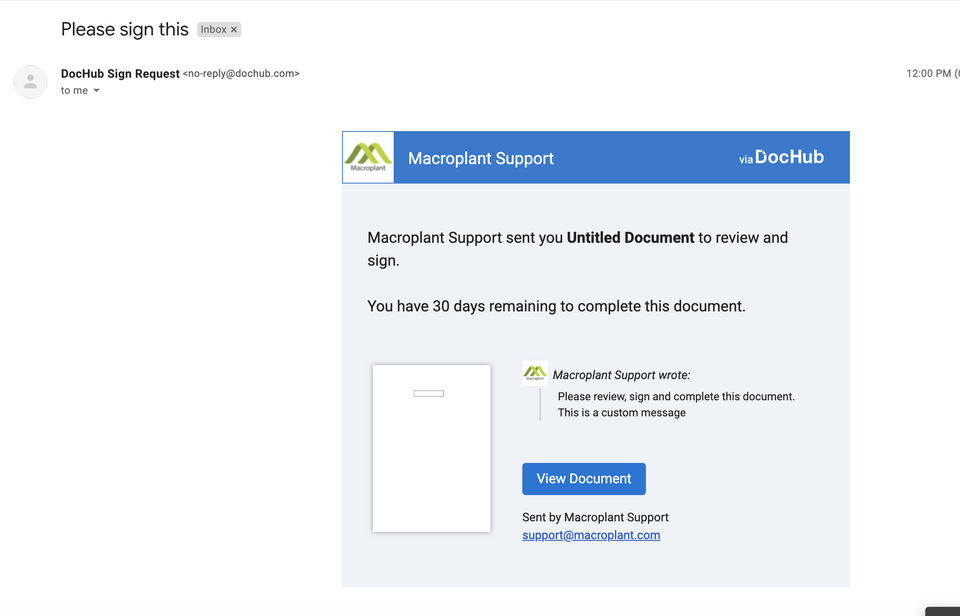
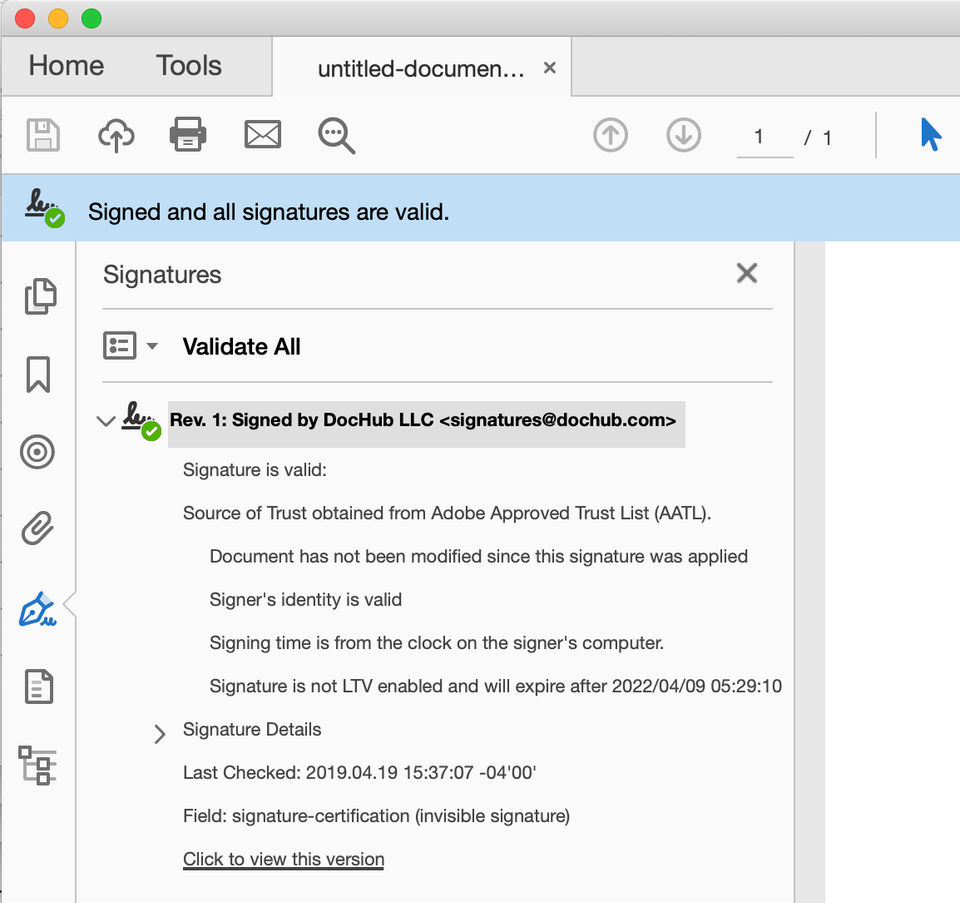
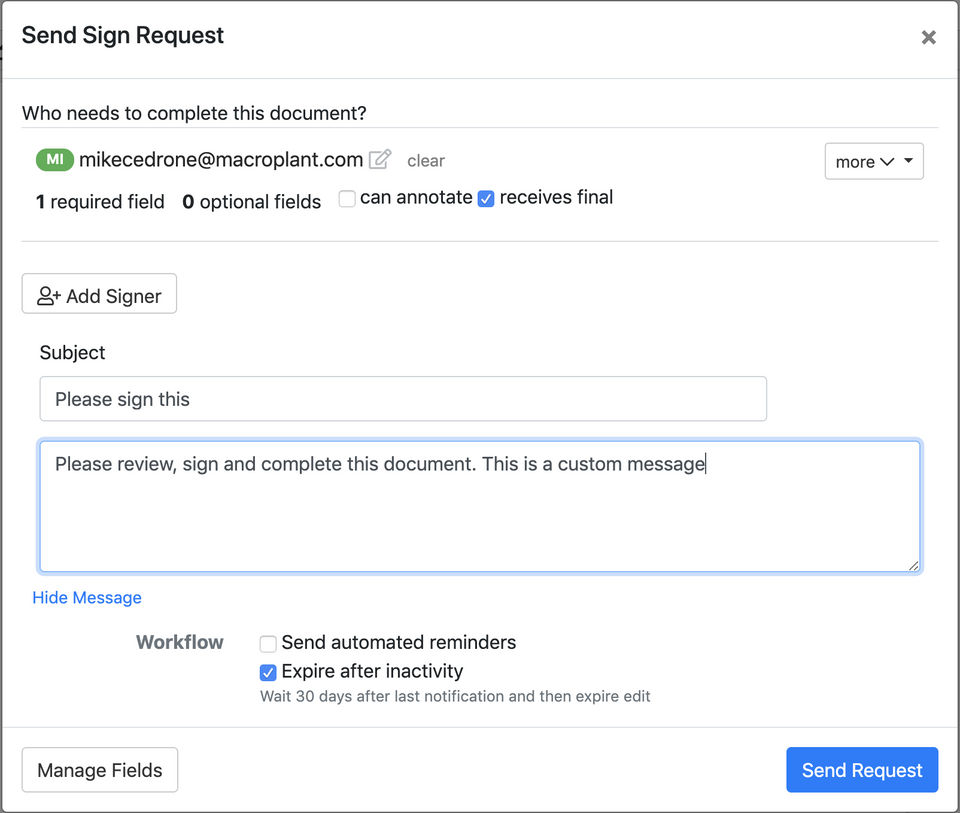
DocHub Video/Screenshots

User Reviews

no-reviews
Share your experience! Be the very first reviewer. Write a Review

Frequently Asked Questions (FAQs)

The user group of DocHub are as follows :

  • Personals
  • SMEs

DocHub has 2 plans,

  • FREE USD 0.00
  • PRO USD 6.99 /User/Month

DocHub is allowed 0 Days Free Trial.

The key featuers of DocHub are as follows :

  • Document Analytics
  • Regulatory Compliance
  • Timestamp
  • Document Expiry
  • Multi-user Signing
  • Sequential Signing
  • Document Audit Trail
  • Bank Level Security
  • Multi-factor Authentication
  • Progress Tracking
  • Customizable Branding
  • Reminders
  • Access Control

DocHub pricing model : Yearly,Monthly

DocHub is Online Software.

No

DocHub offers Online (Ticket) support.

DocHub provides Help Guides,Blogs for the software training.