CloudConvert

By CloudConvert

0.0
Rating out of 5 Based on 0 reviews

What is CloudConvert?


CloudConvert is a flexible web-based service that allows users to convert files across numerous formats without installing any software. Established in 2012, it is widely trusted for its strong focus on data security and its ability to provide advanced, customizable conversion settings.

Pricing of CloudConvert

no-pricing
For get detailed pricing as per your requirements.

Key Specification

Other Categories: File Converter Software
Deployment: Cloud Hosted
Customer Support: Online (Ticket)
Customization: No
Languages Support: English

Who uses CloudConvert

SMEs
SMEs
Enterprises
Enterprises

Company Details

Company Name: CloudConvert
Headquarter: Munich , Bavaria Germany
Social Media:

CloudConvert Description

Why Choose CloudConvert?

Choose CloudConvert for its simple interface, powerful automation, and accurate file conversion capabilities. It is ideal for individuals and businesses that need a reliable online file converter supporting multiple formats. CloudConvert ensures secure file processing while minimizing manual effort and maintaining high-quality output.

Benefits of CloudConvert

  • Converts files across a wide range of formats efficiently.
  • Delivers fast and accurate file conversions.
  • Provides real-time conversion status and downloads.
  • Supports integrations with cloud storage services.
  • Ensures high-quality output with customizable settings.
  • Offers flexible and affordable pricing plans.
  • Helps streamline workflows by automating file conversions.

How to Use CloudConvert

  • Sign up and create your account.
  • Upload your file or connect cloud storage like Google Drive or Dropbox.
  • Choose the desired output format and adjust settings if needed.
  • Start the conversion process with a single click.
  • Download the converted file instantly or save it to cloud storage.

Features of CloudConvert

  • Supports 200+ file formats including video, audio, document, and image.
  • Advanced conversion customization options.
  • Secure and privacy-focused file handling.
  • API integration for automated workflows.
  • High-quality conversion engine.
  • Multi-platform access via web interface.
  • Batch file conversion support.

CloudConvert Demo

Want to see how CloudConvert works? Request a demo to explore its intuitive interface, fast conversion process, and powerful customization options. Discover how CloudConvert can simplify your file conversion needs.

CloudConvert Pricing

Looking for the best CloudConvert pricing? Plans vary based on usage and conversion needs. Explore different pricing options, compare plans, and find the most suitable solution for your requirements.

Alternative

AltoPDF

By AltoPDF

0.0
Rating out of 5 Based on 0 reviews

Adobe Acrobat DC

Acrobat’s got it.

0.0
Rating out of 5 Based on 0 reviews

Zamzar

By Zamzar

0.0
Rating out of 5 Based on 0 reviews

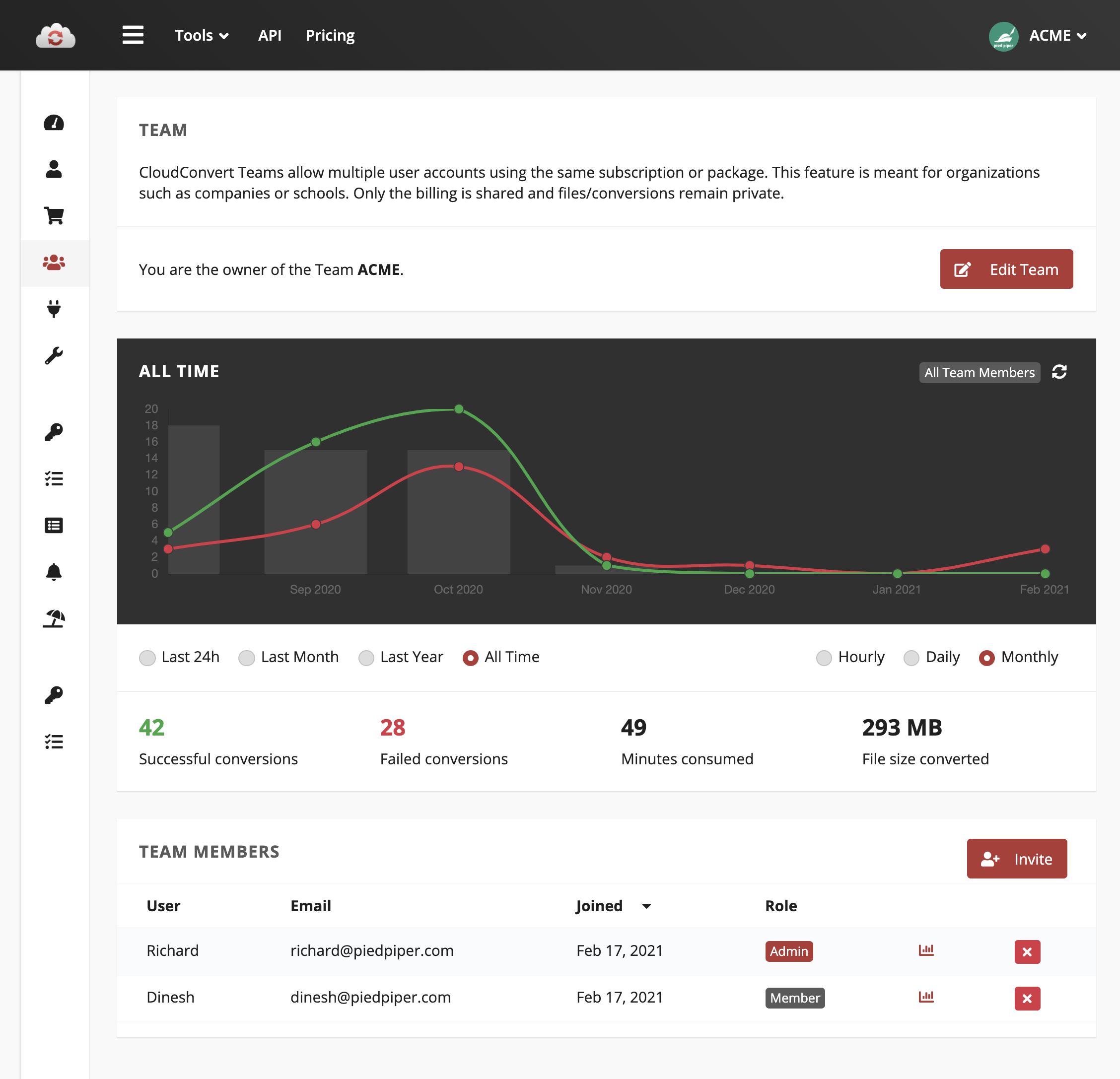
CloudConvert Video/Screenshots

User Reviews

no-reviews
Share your experience! Be the very first reviewer. Write a Review

Frequently Asked Questions (FAQs)

The user group of CloudConvert are as follows :

  • SMEs
  • Enterprises

CloudConvert has 0 plans.

CloudConvert is not allowing Free Trial.

CloudConvert pricing model : Onetime(Perpetual License)

CloudConvert is Online Software.

No

CloudConvert offers Online (Ticket) support.

CloudConvert provides Help Guides,Blogs for the software training.