CamScanner

Boost your productivity with CamScanner

0.0
Rating out of 5 Based on 0 reviews

What is CamScanner?

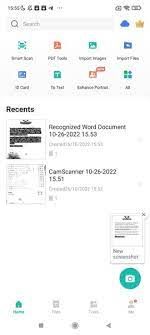
CamScanner is a popular mobile app (available on Android and iOS) that transforms your smartphone or tablet into a portable document scanner. It allows users to digitize various physical documents, such as receipts, notes, invoices, whiteboards, business cards, certificates, and more, by using the device's camera. Once scanned, these documents can be optimized, edited, and shared in formats like PDF, JPEG, Word, or TXT.

Pricing of CamScanner

no-pricing
For get detailed pricing as per your requirements.

Key Features of CamScanner

Key Features:
  • Document Scanning
  • Mobile Scanner
  • Multi-Language Support
  • Image to Text
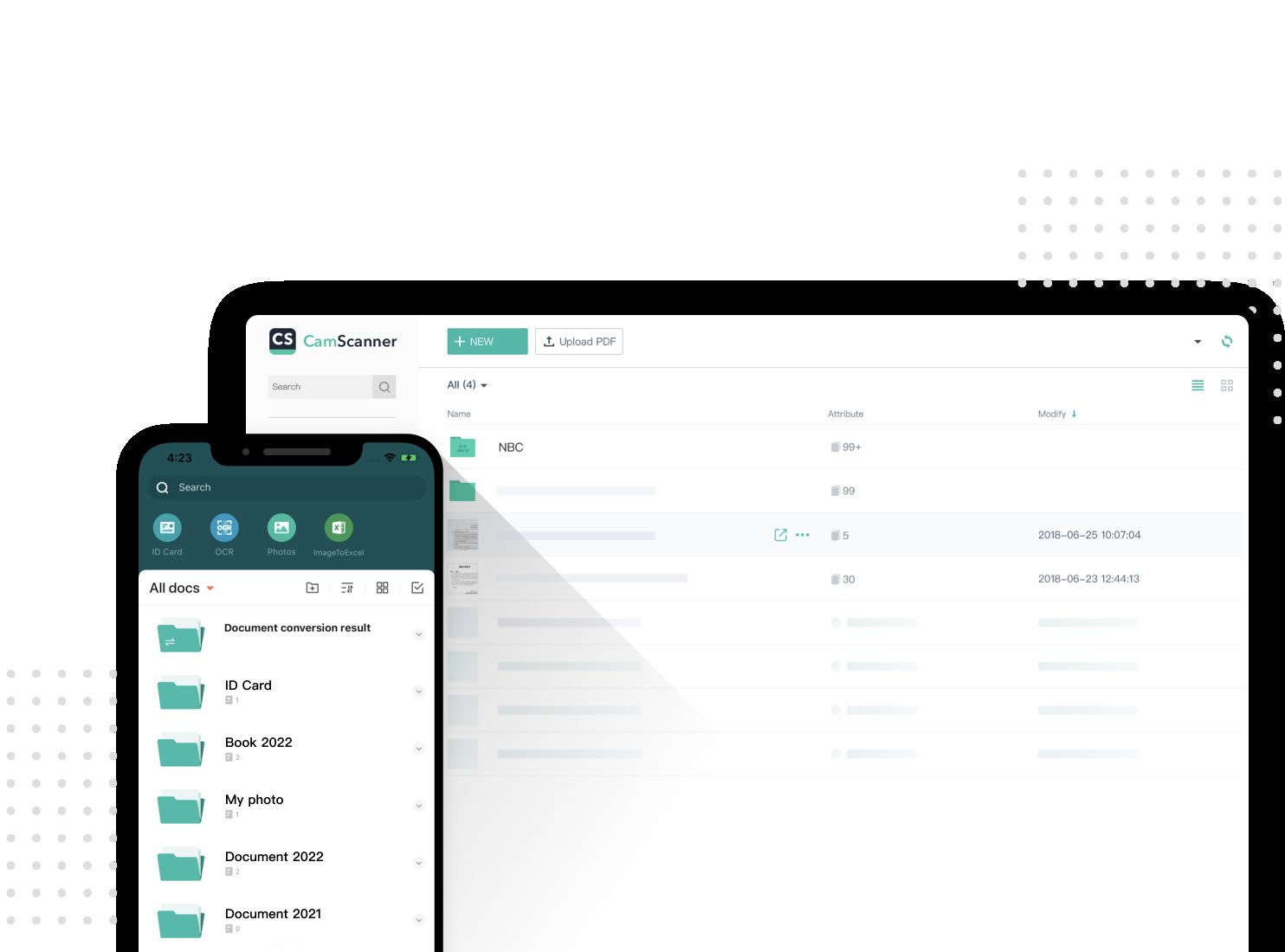
  • Document Editing and Management
  • Document Organization
  • Document Password Protection
  • Collaboration Tools
  • ID Photo Maker
  • ID-Card/Passport Scan Mode

Key Specification

Other Categories: File Sharing Software File Sync Software File Converter Software OCR Software File Transfer Software
Deployment: Cloud Hosted,Hybrid
Customer Support: Phone,Email
Customization: No
Languages Support: English

Who uses CamScanner

Personal
Personal
StartUps
StartUps
SMEs
SMEs

Company Details

Company Name: CamScanner
Headquarter: China
Social Media:

CamScanner Description

Benefits of CamScanner

  • Convenience and Portability: Carry a scanner in your pocket, allowing you to digitize documents whenever, anywhere.
  • Cost-Effective: Eliminate the need for high-priced and bulky conventional scanners.
  • User-Friendly Interface: Easy to navigate and use for people with various levels of tech-savviness.
  • Time-Saving: Quickly experiment and share files, improving productivity.
  • Enhanced Scan Quality: Features like automobile-cropping, heritage removal, and filters ensure sharp, clear, and expert-searching scans.
  • Text Extraction (OCR): Convert pixels of textual content into editable formats, saving time on manual transcription.
  • Document Management & Accessibility: Easily prepare, edit, and get right of entry to your documents from more than one gadgets via cloud synchronization.
  • Security: Password-guard sensitive documents for added privacy. 

How to apply CamScanner

  1. Download and Install: Download the CamScanner app for your cell phone.
  2. Open the App and Grant Permissions: Open CamScanner and permit access to your device's camera and storage.
  3. Start Scanning: Tap the digicam icon to start scanning.
  4. Choose Scan Mode: Select between single-page or a couple of page scanning, depending on your needs.
  5. Capture the Document: Position your report below proper lighting conditions and faucet the capture button.
  6. Adjust and Enhance: CamScanner mechanically detects edges and enhances the scan. You can, in addition, adjust the experiment by using cropping or applying filters to improve clarity.
  7. Edit and Manage: Rename, tag, annotate, or signal your document inside the app.
  8. Share and Export: Share your scanned document as a PDF or JPEG via e-mail, social media, or other techniques. You can also print without delay from the app or upload it to the cloud garage. 

Features of CamScanner

  • Document Scanning: High-fidelity scans of numerous files like notes, invoices, receipts, and more.
  • Image Enhancement: Auto-cropping, heritage elimination, filters to enhance scan pleasantness.
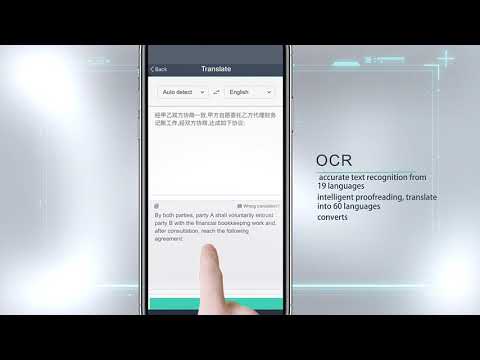
  • OCR (Optical Character Recognition): Extracts text from pics, making them editable and searchable.
  • PDF Conversion: Convert scanned documents to and from various formats like PDF, Word, Excel, and PPT.
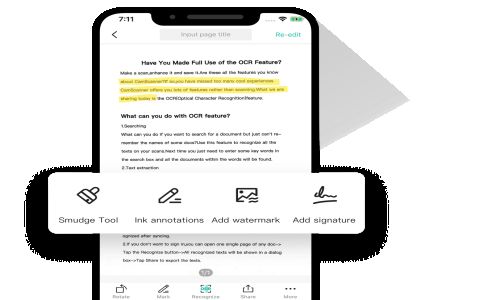
  • Editing Tools: Annotations, e-signatures, watermarks, merging, splitting, and compressing PDF documents.
  • Cloud Integration: Sync and back up files to cloud services like Google Drive, Dropbox, and OneDrive.
  • Security: Password safety for documents and links.
  • Sharing and Printing: Share documents through various systems and print wirelessly.
  • ID Card Scan: Scan both sides of an ID card onto a single page, prepared for printing.
  • Smart Translation: Translate extracted textual content into multiple languages. 

CamScanner Demo

To discover how CamScanner works, visit the reputable CamScanner internet site or app save web page for a CamScanner demo. The guided demo or video tutorials show how to experiment, beautify, prepare, and share documents efficiently with the CamScanner document scanner app. Perfect for students, experts, and small companies.

CamScanner Pricing

Contact Techimply for pricing. 

Alternative

Datahut

By Datahut

0.0
Rating out of 5 Based on 0 reviews

PDF Reader Pro

By PDF Reader Pro

0.0
Rating out of 5 Based on 0 reviews

ScrapeAll

By ScrapeAll

0.0
Rating out of 5 Based on 0 reviews

CamScanner Video/Screenshots

User Reviews

no-reviews
Share your experience! Be the very first reviewer. Write a Review

Frequently Asked Questions (FAQs)

The user group of CamScanner are as follows :

  • Personals
  • Startups
  • SMEs

CamScanner has 0 plans.

CamScanner is allowed 0 Days Free Trial.

CamScanner is Cloud Hosted,Hybrid Software.

No

CamScanner offers Phone,Email support.

CamScanner provides Help Guides for the software training.