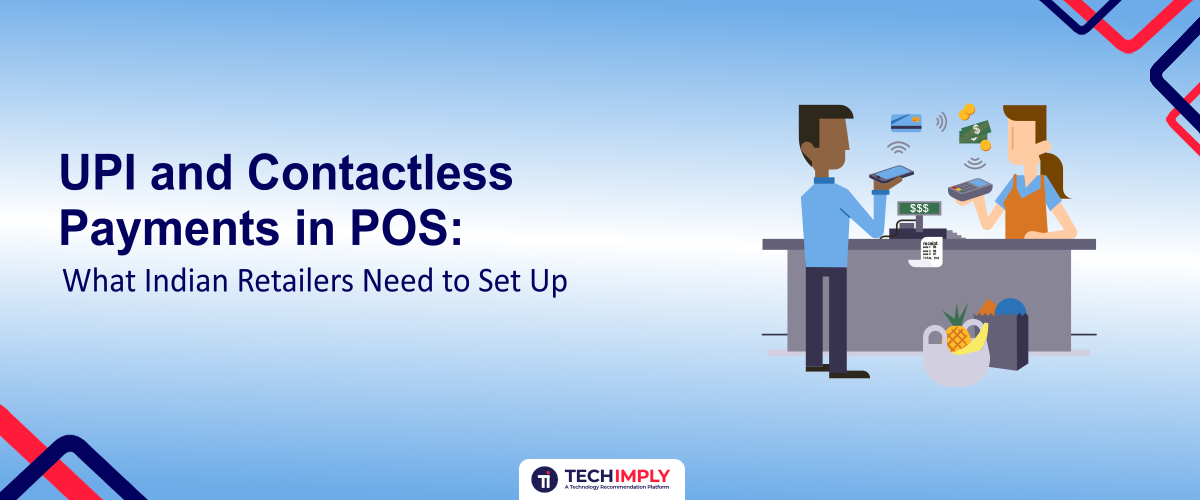
Cash is still common at Indian checkout counters, but UPI has become the default digital payment method for most retail transactions, and contactless card payments cover much of what UPI doesn't. Setting both up properly at a POS counter is less about picking a payment app and more about a handful of practical decisions: how customers pay, how a retailer reconciles what came in, and how to stay within RBI and NPCI rules that occasionally shift the exact limits and requirements.

Looking for POS software?
Check out Techimply's List of the Best POS Software in India for your business.
One thing worth knowing before you set anything up: UPI is not uniformly free, and the exceptions are where retailers lose money they can't explain. Standard UPI paid from a customer's bank account carries zero MDR by law, as does RuPay debit. But a RuPay credit card paid via UPI above ₹2,000 can cost roughly 1.1% to 2%, wallet-funded UPI above ₹2,000 attracts around 1.1%, and your gateway's platform fee is not MDR at all yet lands as the same debit on the same statement. Knowing which sub-instrument a payment actually used is the difference between reconciling your settlements and arguing about them.
Setting Up UPI Acceptance: What You Actually Need
To accept UPI, a business needs a merchant UPI ID (VPA) linked to a current or business bank account, obtained either directly through a bank or through a licensed payment aggregator or payment service provider. Getting one requires standard KYC business registration proof, PAN, and bank account details and most banks or aggregators can issue a merchant QR code and VPA within a few days once documentation is in order.
Static vs. Dynamic QR Codes
A static QR code is fixed and reusable: the customer scans it and manually types in the amount. It's the cheapest and simplest option to set up, but it carries two practical downsides customers occasionally enter the wrong amount, and because the code never changes, it carries a small but real risk of being tampered with or swapped at the counter. A dynamic QR code is generated per transaction, usually by the billing software itself, with the exact bill amount already embedded, so the customer just scans and confirms rather than typing anything. Dynamic QR reduces entry errors and makes reconciling sales against payments received far simpler, since each code ties back to a specific bill. For a store doing meaningful daily volume, integrating dynamic QR generation into the billing software is worth the setup effort even where it isn't strictly required, simply because it removes a recurring source of mismatched accounts.
UPI Devices: Soundbox, QR Standees, and Integrated Billing
Retailers generally choose between three levels of UPI setup. The simplest is a printed QR standee with no integration, cheap and fast to start with, but it requires manually checking a banking app to confirm each payment landed, which slows down the counter and invites the classic scam of a customer showing a fake "payment successful" screenshot. A UPI soundbox sits a step up: it announces payments out loud the moment they're received, working over its own SIM connection rather than depending on the store's WiFi, which removes the ambiguity of whether a payment actually went through and gives staff audible confirmation without checking a phone. The most integrated option connects UPI directly into the POS billing software, so a dynamic QR is generated automatically with the bill amount, and the payment status updates on the bill itself once received this is the setup that scales best for stores with multiple counters or high transaction volume since it removes manual reconciliation almost entirely.
Protecting Your QR Code From Tampering
A physical QR standee is easy to set up and just as easy to overlook once it's taped to the counter, which is exactly what makes it a target. A known scam involves someone pasting a fraudulent QR code sticker directly over a shop's genuine one, redirecting payments to the scammer's account while looking identical to the customer and often to the staff. Get into the habit of periodically checking that the QR code on display is still the original a quick scan with your own phone to confirm the merchant name shown matches your business is enough and keep the code laminated or under a protective cover so it's harder to paper over without it being obvious. This matters most for static, unattended QR standees; a soundbox or software-integrated dynamic QR is inherently harder to tamper with since the code itself is regenerated per transaction rather than sitting there as a fixed target.
Contactless Cards and Tap-to-Pay at the Terminal
Contactless card payments in India work without a PIN for transactions up to ₹5,000; above that threshold, the customer must enter a PIN to complete the payment. This applies whether the customer taps a physical contactless (NFC-enabled) card or uses a phone-based tap-to-pay wallet, since both ride on the same NFC contactless rails at the terminal. To accept these, the card machine needs to be NFC/contactless-enabled and EMV-compliant most current-generation card machines from major processors support this by default, but it's worth confirming explicitly if using older or secondhand terminal hardware, since magnetic-stripe-only machines can't handle tap payments and are increasingly discouraged for security reasons even as a fallback.
UPI Lite and UPI123Pay: Covering Small Payments and Low-Connectivity Customers
Two lesser-known parts of the UPI ecosystem are worth setting up for the right kind of store. UPI Lite lets customers load a small on-device balance and pay from it for low-ticket transactions without a PIN or a full bank-server round trip each time, which speeds up checkout for high-frequency, low-value businesses like cafés or small grocery counters. UPI123Pay extends UPI payments to customers on basic feature phones, without needing a smartphone or a data connection, through IVR calls, missed calls, or app-based options depending on the customer's phone relevant for retailers in areas or customer segments where not every shopper carries a smartphone. Neither requires much from the retailer beyond confirming the payment aggregator or bank supports them, but knowing they exist helps when a customer's payment method doesn't fit the usual QR-scan pattern.
Choosing a Payment Aggregator or Bank Partner
Businesses evaluating digital payment providers should also compare payment gateway software that supports UPI, cards, settlements, and reconciliation from a single platform. A payment aggregator (PA) is the entity that actually holds and settles customer payments before they reach a merchant's account, and RBI now requires every non-bank PA to hold formal authorization under the Payment and Settlement Systems Act, with merchant funds kept in escrow accounts at scheduled commercial banks. Before signing up with any provider, it's worth confirming their RBI authorization status directly rather than assuming it, since the regulatory framework here has tightened significantly and providers operating without proper authorization carry real settlement risk for the merchants using them. Beyond authorization, compare providers on settlement cycle (T+1, meaning funds typically arrive the next business day, is standard); transaction fees (UPI merchant payments carry no MDR for most retailers under current government policy, though card transactions do), refund and dispute handling; and whether their dashboard or API makes daily reconciliation easy rather than something that requires manual spreadsheet work.
Handling Failed and Pending Transactions
Reliable Payment Processing Software helps merchants monitor transaction status, automate payment confirmations, and reduce disputes caused by delayed settlements. A "pending" or "processing" status at the counter doesn't always mean a payment has failed. Bank server delays are common, and money can leave a customer's account before the merchant-side confirmation arrives, sometimes by a minute or more. Train staff to wait for actual confirmation, whether that's the soundbox announcement or a dashboard update, rather than accepting a customer's phone screen alone as proof of payment and to avoid re-requesting payment the moment a status looks slow, since that risks a genuine double charge. If money debits from a customer's account but never reaches the merchant, UPI's standard practice is an automatic reversal within a short window rather than requiring a manual dispute, but the exact timeline varies by aggregator, so it's worth knowing your specific provider's reversal window in advance rather than improvising an answer when a customer is standing at the counter asking about it.
Settlement, Reconciliation, and Reporting
At the end of each day, the sales total from the POS system should match the settlement report from the bank or payment aggregator this is the single most useful daily habit for catching problems early, whether that's a technical glitch, a QR code issue, or a genuine discrepancy. Dynamic QR setups make this considerably easier than static ones, since each transaction is already tied to a specific bill rather than requiring manual matching. UPI payments themselves rarely generate chargebacks once completed, since they're authenticated directly by the customer through their own banking app; card-based contactless payments carry more chargeback risk and need a slightly different dispute-handling process, which is worth understanding with your payment processor before it comes up with an actual customer. Integrated Retail Software combines billing, inventory, and digital payments, making daily reconciliation faster and reducing manual accounting work.
Security and Compliance Basics
A few compliance points are worth building into the setup from day one rather than fixing later. Retailers should never store customers' card numbers directly RBI rules already require payment aggregators and merchants to rely on tokenization instead of storing raw card data, so the responsibility sits mostly with the payment provider, but it's worth confirming your POS software isn't independently logging card details anywhere in its own database. From April 2026, RBI's authentication requirements for digital payments call for stronger verification on higher-risk transactions, so keeping POS software and payment terminal firmware updated matters more than it used to. It's also worth restricting which staff members can process refunds or voids on digital payments, the same way you would for cash, since digital payment fraud at the counter usually exploits a process gap rather than a technical one.
Setup Checklist for Retailers
- Get a merchant VPA and QR code through your bank or a licensed payment aggregator
- Confirm the payment aggregator holds current RBI authorization
- Switch to dynamic QR generation through your billing software if transaction volume justifies it
- Choose a soundbox or integrated UPI setup over a bare QR standee once volume grows
- Periodically check that any displayed QR standee hasn't been tampered with or swapped
- Confirm your card machine is NFC-enabled and EMV-compliant for contactless payments
- Ask your provider whether UPI Lite and UPI123Pay are supported for your customer base
- Reconcile daily sales against settlement reports as a standing routine
- Restrict refund and void permissions to specific staff roles
- Keep POS software and terminal firmware updated
Conclusion
Setting up UPI and contactless payments well isn't complicated, but it rewards a few deliberate choices over the default option: dynamic QR over static, a soundbox or integrated setup over a bare standee, and an RBI-authorized aggregator confirmed rather than assumed. Get the daily reconciliation habit right from the start, and most of the operational headaches retailers run into with digital payments mismatched totals, disputed transactions, unclear payment status become far easier to catch and resolve before they turn into a real problem.