Designing eye catching event flyers has become an important thing in a world full of internet information. Events are not only competing to be heard in physical space but also on the social media feeds. Conventional design systems tend to delay the process of production, particularly during situations where quality visuals are required in a short time. The organizers of events need instruments that facilitate the creative process without jeopardizing professionalism. CapCut comes out as a web based platform that brings together video and image editing, and this provides speedy and refined creation of promotional materials. Its user-friendly interface can be used to create even sophisticated flyer designs effectively. This atmosphere gives marketers and creators the power to produce appealing images without having to spend a lot of design experience.
What Makes an Event Flyer visually effective?
An effective event flyer incorporates a number of design principles. An effective focal point will instantly attract the attention and direct the viewers on the content. The visual hierarchy will enable the main information, including date, time, and location, to be displayed prominently. Typography harmony provides a balance between the readability and the style that supports the theme of the flyer as a whole. The psychology of color also contributes significantly; warm colors may be used to create excitement, and cool ones to sound high-end. The special visuals make an occasion stand out of thousands of others vying to draw attention. By incorporating AI image generator tools, organizers can produce scalable and customizable visuals that serve as compelling foundations for any flyer layout. The technology enables rapid iterations and maintains designs current and aesthetically coherent.
Elevating Flyer Design with CapCut’s AI Image Generator
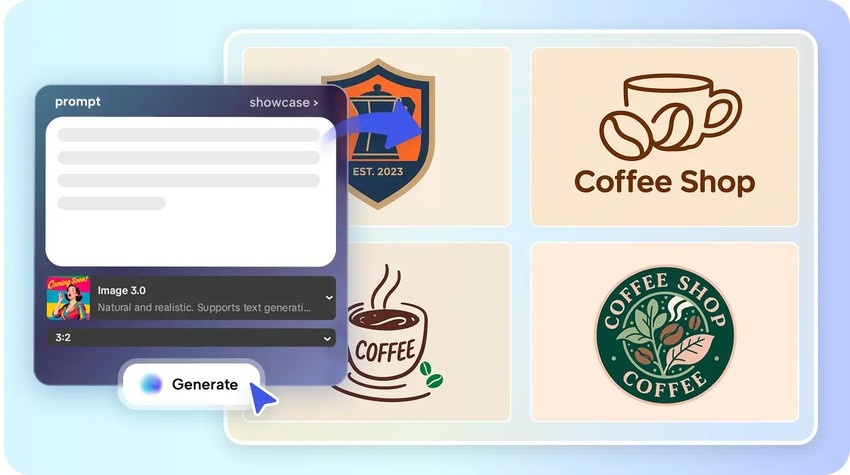
The creation of themed visuals, appropriate to concerts, conferences, festivals, workshops, and pop-ups, is possible with the use of CapCut. Image uploads as reference images guarantee uniform branding factors in various designs. Various AI models can be used by designers to align the style of a flyer that is minimalistic, futuristic, vintage, or energetic. Team collaboration is also supported by the cloud-based platform, and it allows real-time edits and feedback. Combining all these AI-generated features, flyers become more professional and visually consistent. The tools of the platform minimize the use of stock images, and each project obtains its identity. The creative flexibility is made available, and bottlenecks in the design process are reduced to a very minimal level, which guarantees the timely delivery of promotional materials.
Steps to Design Standout Event Flyers Using an AI Image Generator Today
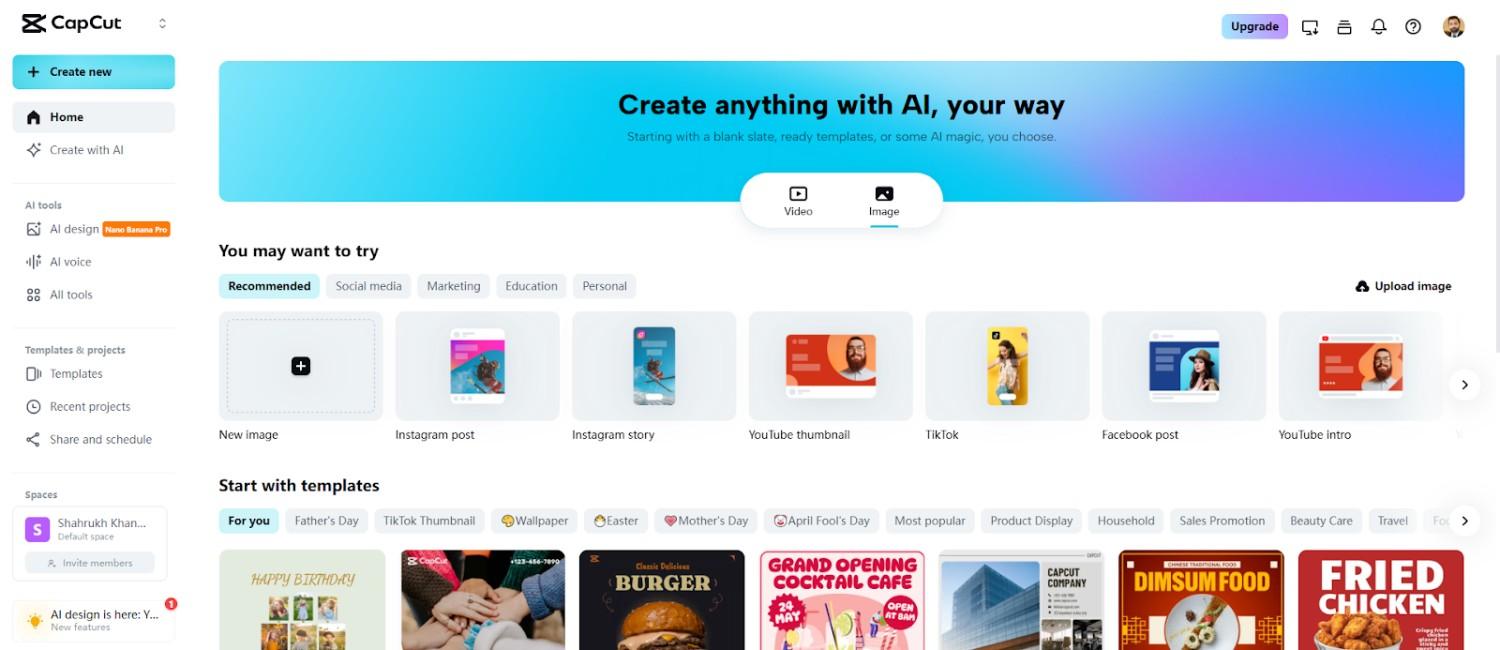
Step 1: Start your flyer project Open CapCut online image editor and select the "Image" tab. Click "New image" to enter the creative workspace for designing event flyers.
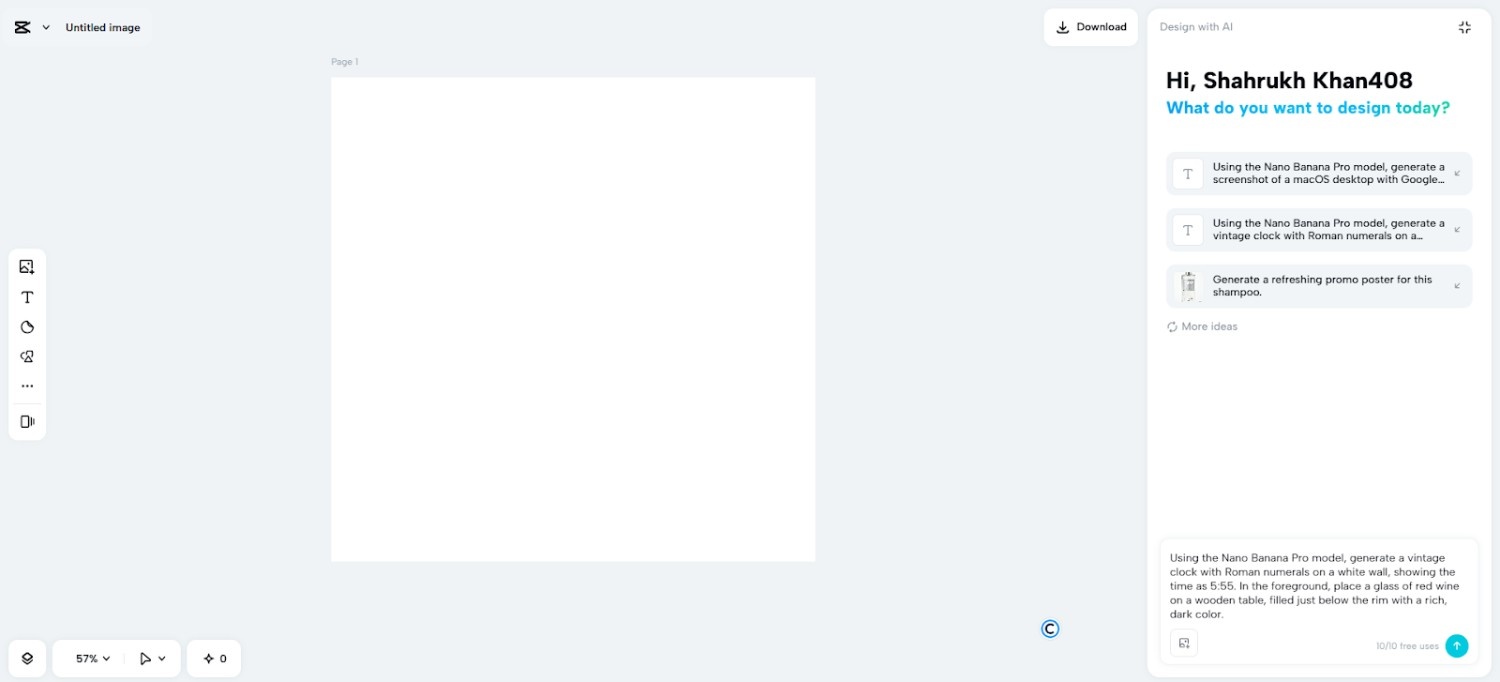
Step 2: Select AI model and layout Enter a detailed description of the flyer in the prompt box. Pick from models like Seedream 4.0, Image 4.0, Image 3.1, or Image 2.0 Pro depending on the level of detail and realism you want. Choose the aspect ratio suited to your event promotion platform, and optionally upload a reference image to influence the design.
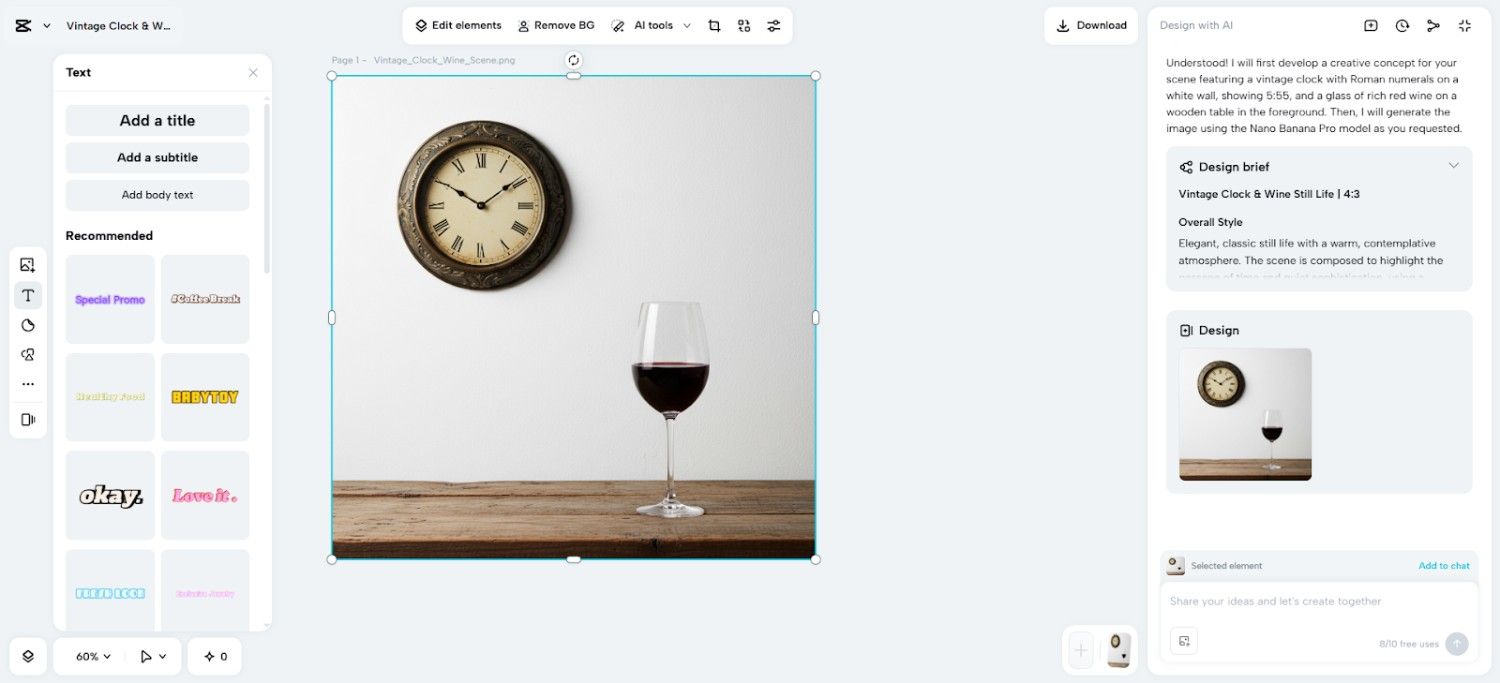
Step 3: Generate and fine-tune Press the "Send" button. CapCut's AI will produce the flyer image in seconds. You can then refine it using color correction, AI upscaling, or background replacement. Adding text, shapes, or stickers can make the flyer more eye-catching.
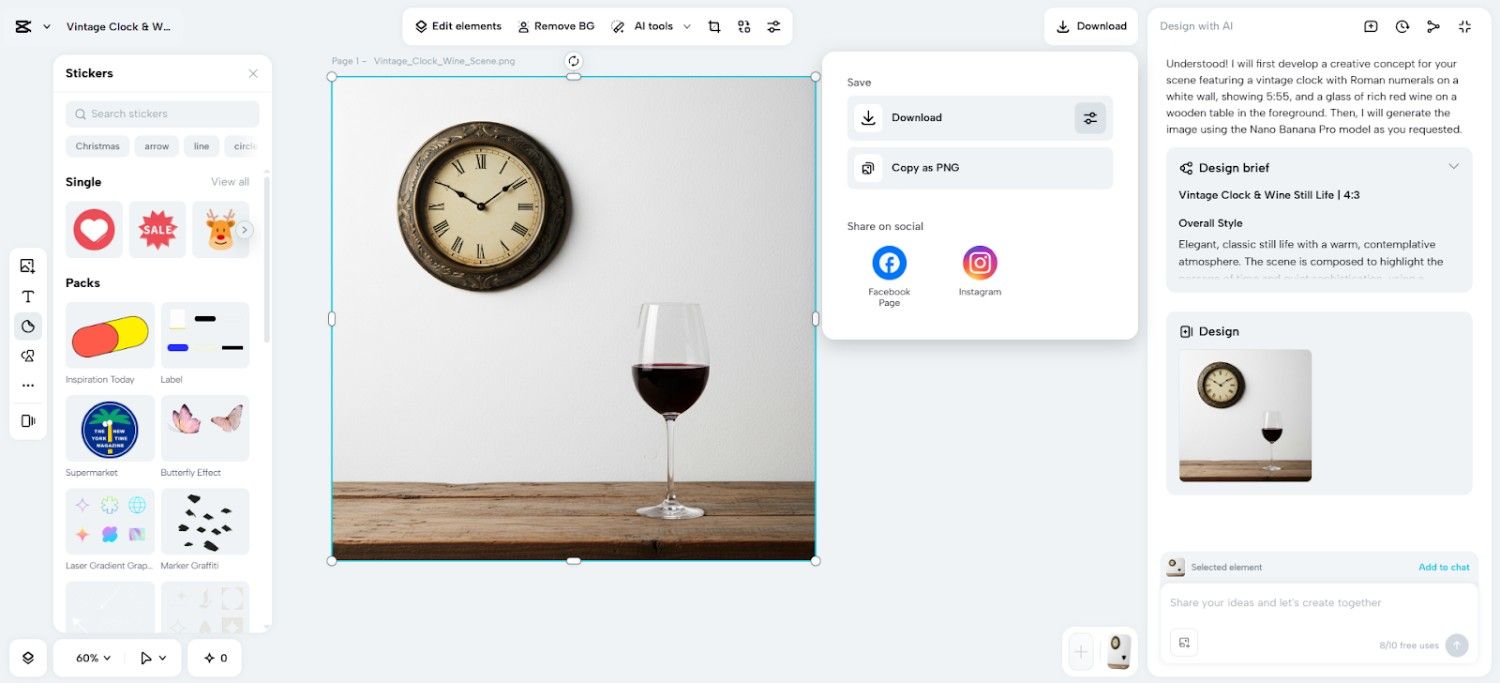
Step 4: Download and distribute When ready, click "Download" in the top right. Adjust the format, size, and quality via the filters icon, or copy the image as PNG for easy sharing.
Flyer Templates You Can Design With AI
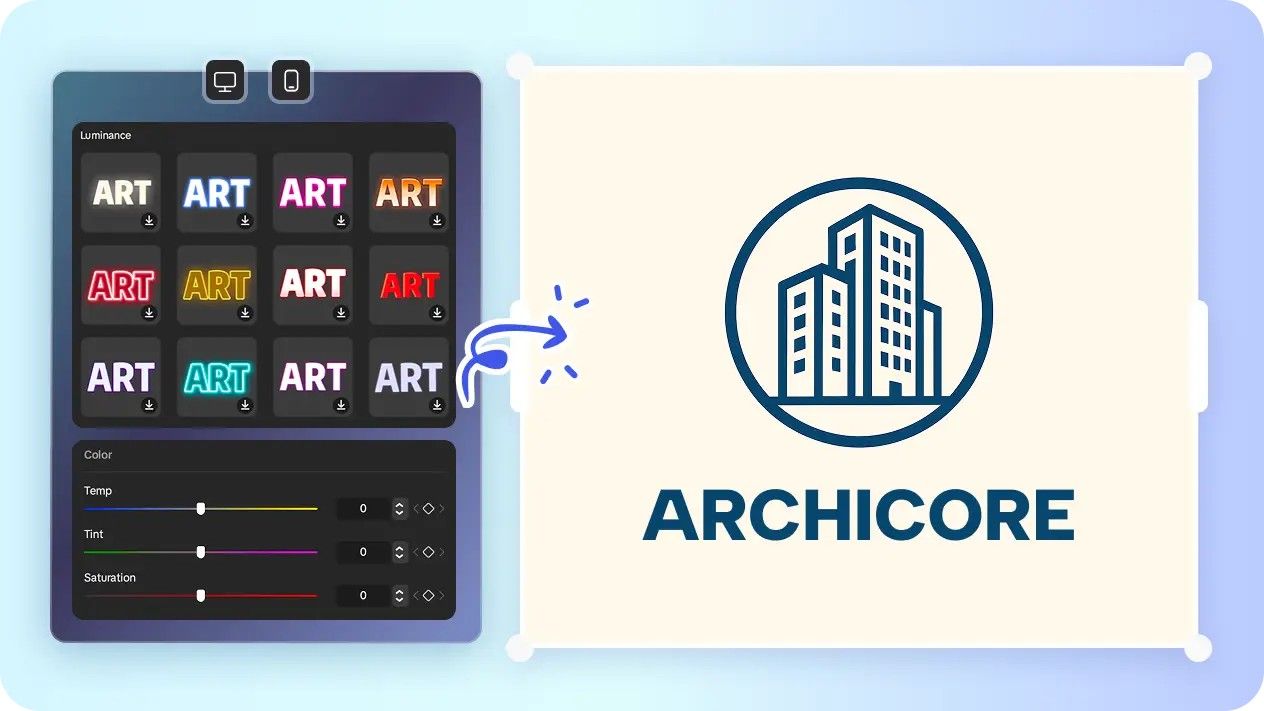
The advantages of music event flyers include neon lights, animated stage visuals, and the silhouettes of the performers. Corporate events are smooth and have clean lines, tech-inspired imagery, and branded motifs. Community meetings are effective with warm color schemes, depicted characters and friendly graphics. Flyers with holiday themes are bright with seasonal symbols, decorations, and abstracted designs. Themes of fantasy or pop culture enable the use of imagination in telling stories, which appeal to niche audiences. Additionally, an AI logo generator can help maintain consistent branding on these flyers, seamlessly integrating event logos into each design while preserving visual coherence.
Integrating AI Image and Layout Tools in CapCut
In addition to creating images, CapCut enables the incorporation of necessary flyer information, including the names of events, schedules, and locations, as well as QR codes. The layout tools, grids, and margins make sure that the composition is professional and balanced. The image-to-video feature can also be used to animate flyer visuals, which are ideal to use in social media reels. Such interactive formats enhance the interaction and extend the effect of the flyer beyond the images. The centralized tools facilitate easy adaptation of designs, preservation of branding and provision of refined visuals in various channels.
Flyer Design Common Design Flaws
Flyers are bound to fail when the message is lost in clutter. Too much information may be confusing and lower the readability. Another pitfall is illegible text on complicated backgrounds. Important information may be lost with weak contrast or uneven color palettes. Having a clean hierarchy and text contrast are very important in designing professional flyers. By employing the in-built features of the CapCut, users can polish all these aspects effectively and eliminate chances of amateurism.
Conclusion
Artificial intelligence-based applications will hasten the creation of flyers without compromising design quality. CapCut is a single platform to create images, customize layouts, and create animations of any event. Its versatility allows it to do quick iterations and deliver professional results. Designers can use AI to create appealing and distinctive event flyers that attract at first sight. Centralized editing, cloud collaboration, and sophisticated AI models allow developing high-quality promotional material in a short period of time. Adopting such abilities makes sure every flyer is unique in a saturated market, attracting audiences and doing so in a professional manner.